Recovery Factor Calculation for Smart Traders
Master the recovery factor calculation to measure a strategy's resilience. Learn the formula, see DeFi examples, and find top wallets with Wallet Finder.ai.

June 20, 2026


Wallet Finder
April 1, 2026
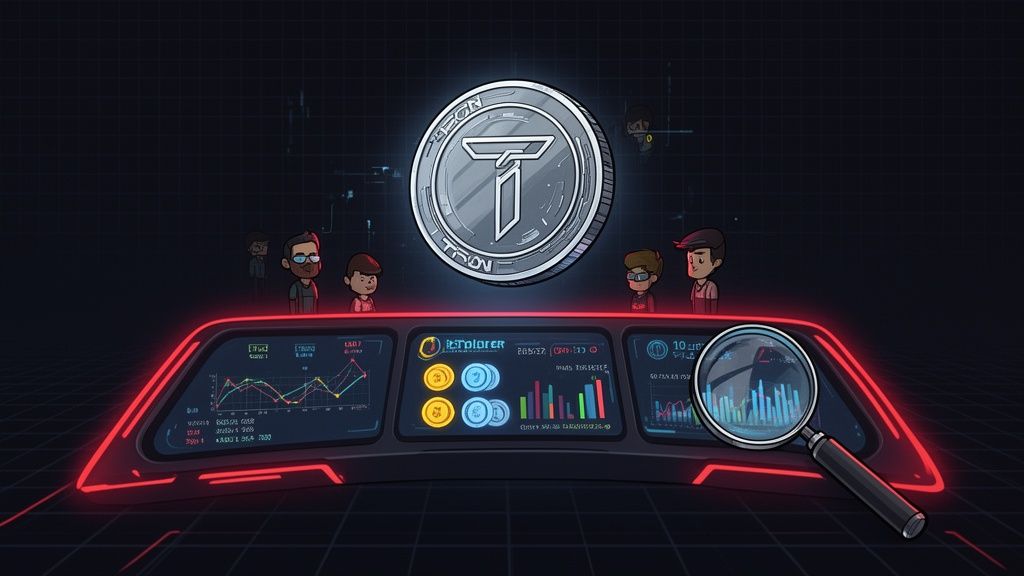
Navigating the TRON network’s vast ecosystem of transactions, smart contracts, and tokens requires a powerful lens. A high-quality Tron blockchain explorer provides this visibility, transforming raw, on-chain data into actionable intelligence. Whether you are a DeFi trader aiming to mirror the moves of profitable wallets, a developer debugging a smart contract, or a retail investor simply verifying a transaction, the right explorer is a critical tool in your arsenal. Without it, you are essentially flying blind, unable to track asset flows, analyze network activity, or confirm the status of your TRX and TRC20 tokens.
This guide cuts directly to the chase. We present a curated list of the top Tron explorers, moving beyond basic feature rundowns to offer a deep, practical analysis for specific use cases. You will discover which explorers are best for:
Each entry includes screenshots, direct links, and a clear breakdown of its strengths and limitations. Our goal is to help you quickly identify the ideal Tron blockchain explorer for your specific needs, from the official TRONSCAN to specialized analytics platforms. We will provide step-by-step workflows and real-world insights, enabling you to move from passive observation to active on-chain analysis. Forget generic reviews; this is your resource for mastering TRON's on-chain data.
As the official TRON blockchain explorer, TRONSCAN serves as the canonical source of data for the entire ecosystem. It's the first stop for most users needing to verify a transaction, inspect a smart contract, or check an address balance. Backed directly by the TRON Foundation, its data integrity and real-time updates are unmatched, making it an essential tool for traders, developers, and everyday users alike. Its direct integration with TRON’s core functionalities provides a depth of information that third-party explorers often struggle to replicate.
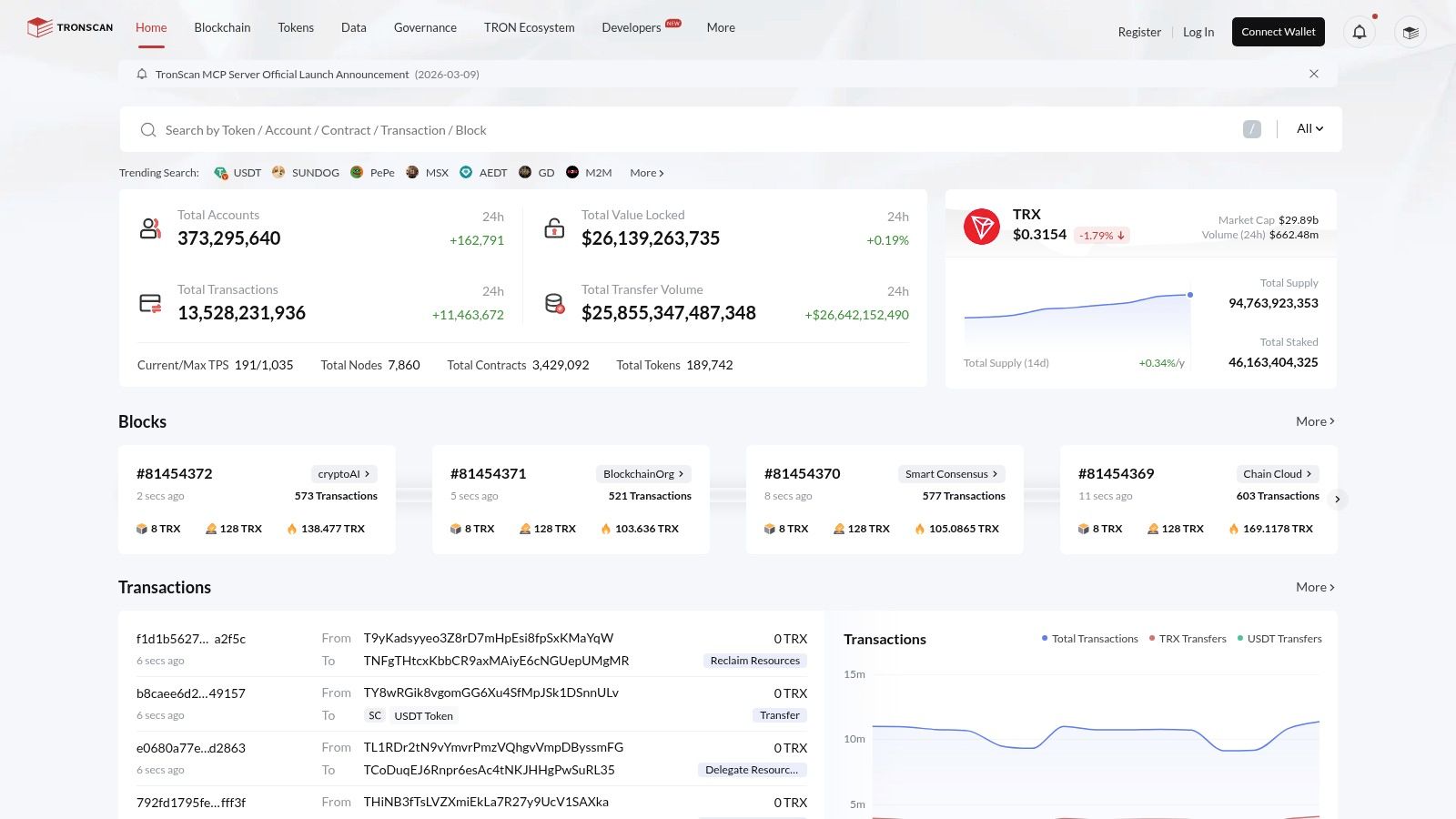
Beyond simple transaction lookups, TRONSCAN offers a powerful suite of built-in tools. For DeFi participants, the ability to directly interact with verified smart contracts from the UI is invaluable for executing functions or double-checking contract logic. For investors, the platform provides dedicated sections for governance, allowing users to track Super Representatives, monitor proposals, and engage in voting. Its resource management tools are also a standout, giving users a clear view of their Bandwidth and Energy, along with options for staking TRX to gain more.
Website: https://tronscan.org
Positioned as a powerful multi-chain data platform, OKLink provides a TRON blockchain explorer with an exceptionally clean interface tailored for analysts and researchers. Backed by OKX's data arm, it delivers reliable and fast search capabilities across multiple blockchains from a single UI. Its strength lies in presenting complex on-chain data through organized leaderboards and clear categorization, making it a go-to tool for identifying trends, tracking token distributions, and monitoring the activity of top addresses within the TRON ecosystem.
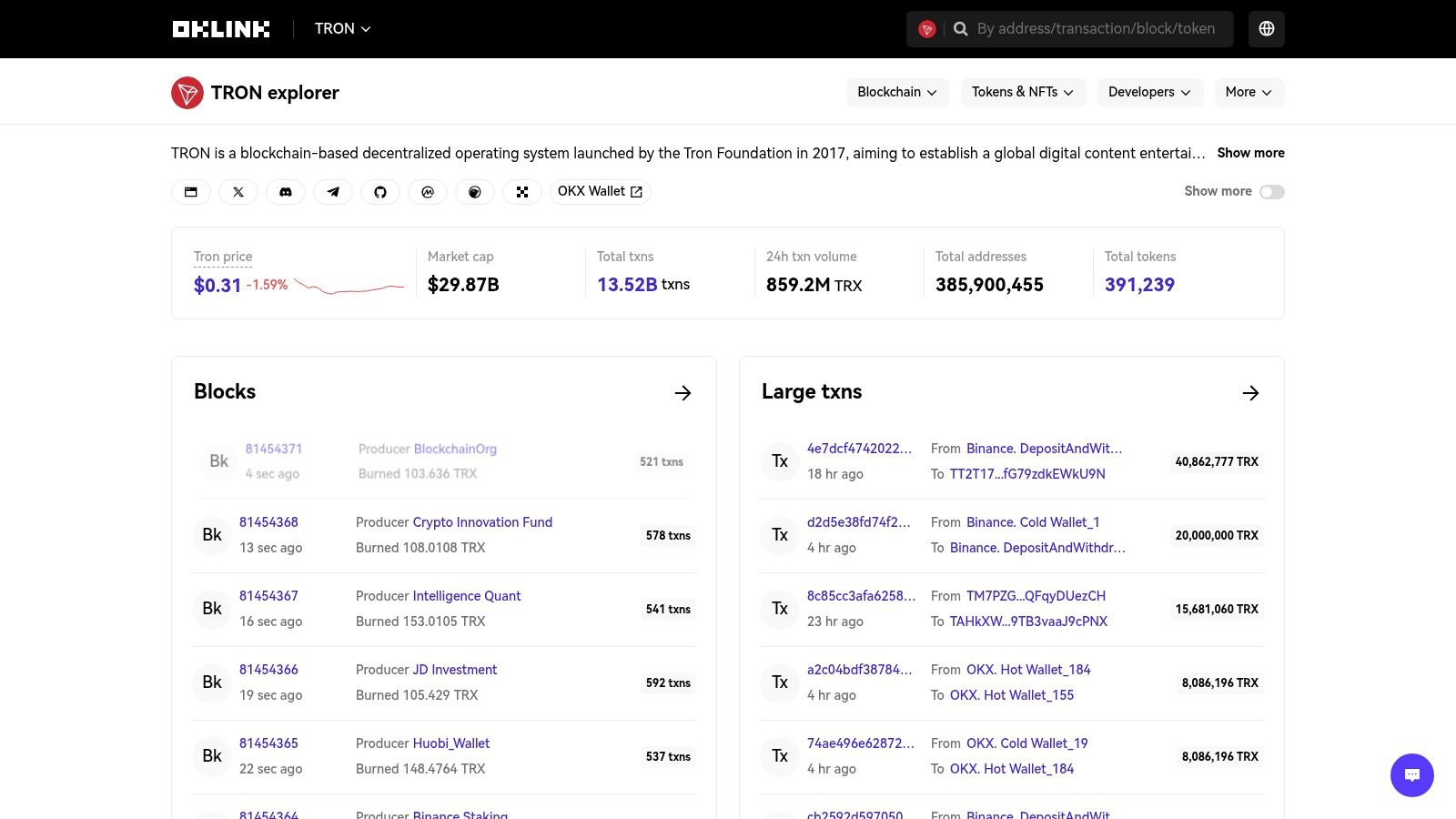
While many explorers focus solely on raw transactional data, OKLink excels at aggregation and contextualization. Its dedicated sections for tokens and NFTs on TRON allow users to quickly assess market activity, view top holders, and track transfers without sifting through individual transactions. For analysts conducting comparative research, the ability to seamlessly switch between TRON and other chains like Ethereum or Bitcoin within the same interface is a significant workflow improvement. This makes it an excellent secondary explorer for cross-referencing data and gaining a broader market perspective.
Website: https://www.oklink.com/tron
Blockchair is a powerful universal explorer that supports numerous blockchains, including TRON. Its primary advantage is providing a consistent, clean user interface for users who frequently work across different ecosystems. If you're cross-referencing a transaction from Bitcoin or Ethereum to TRON, Blockchair simplifies the process by keeping the search and navigation experience the same. This makes it an excellent secondary tool for quick lookups and data validation when you don't need the deep, TRON-specific functionalities.
While it lacks the detailed governance and resource management tools of dedicated explorers like TRONSCAN, Blockchair excels at presenting data clearly and efficiently. Its layout is uncluttered, prioritizing fast access to transaction hashes, address balances, and basic network statistics. The platform's strength lies in its "one-stop-shop" approach, making it a reliable workhorse for multi-chain analysts and traders who value speed and a familiar UI over granular, single-chain features. It serves as an effective TRON blockchain explorer for those who need a broad overview rather than a deep dive.
Website: https://blockchair.com/tron
Tokenview is a well-established multi-chain explorer that offers robust support for the TRON network. It distinguishes itself by providing powerful analytical tools that appeal to traders and researchers looking beyond basic transaction details. While it serves as a competent general-purpose TRON blockchain explorer, its real strength lies in its data aggregation and monitoring capabilities, particularly for tracking large-scale market movements and on-chain whale activity.
The platform presents a familiar explorer interface but adds specialized sections for deeper analysis. Its large transfer monitor is a key feature for traders wanting to see significant TRX and token movements in near real-time, which can be an early indicator of shifting market sentiment or a whale preparing a position. Tokenview also provides dedicated developer APIs, which are valuable for teams needing to integrate historical TRON data, balance lookups, or token information into their own applications or analysis scripts. This makes it a great hybrid tool for both manual on-chain investigation and automated data retrieval.
Website: https://trx.tokenview.io/en/
3xpl distinguishes itself with a minimalist, speed-focused design that appeals to users needing quick, unambiguous data. As a multi-chain explorer, its TRON implementation is particularly effective for traders and analysts who frequently cross-reference information. Its main strength lies in its uncluttered interface and the clear separation of transaction event types, making it a stellar choice for rapidly verifying specific on-chain activities without the noise of more feature-heavy platforms.
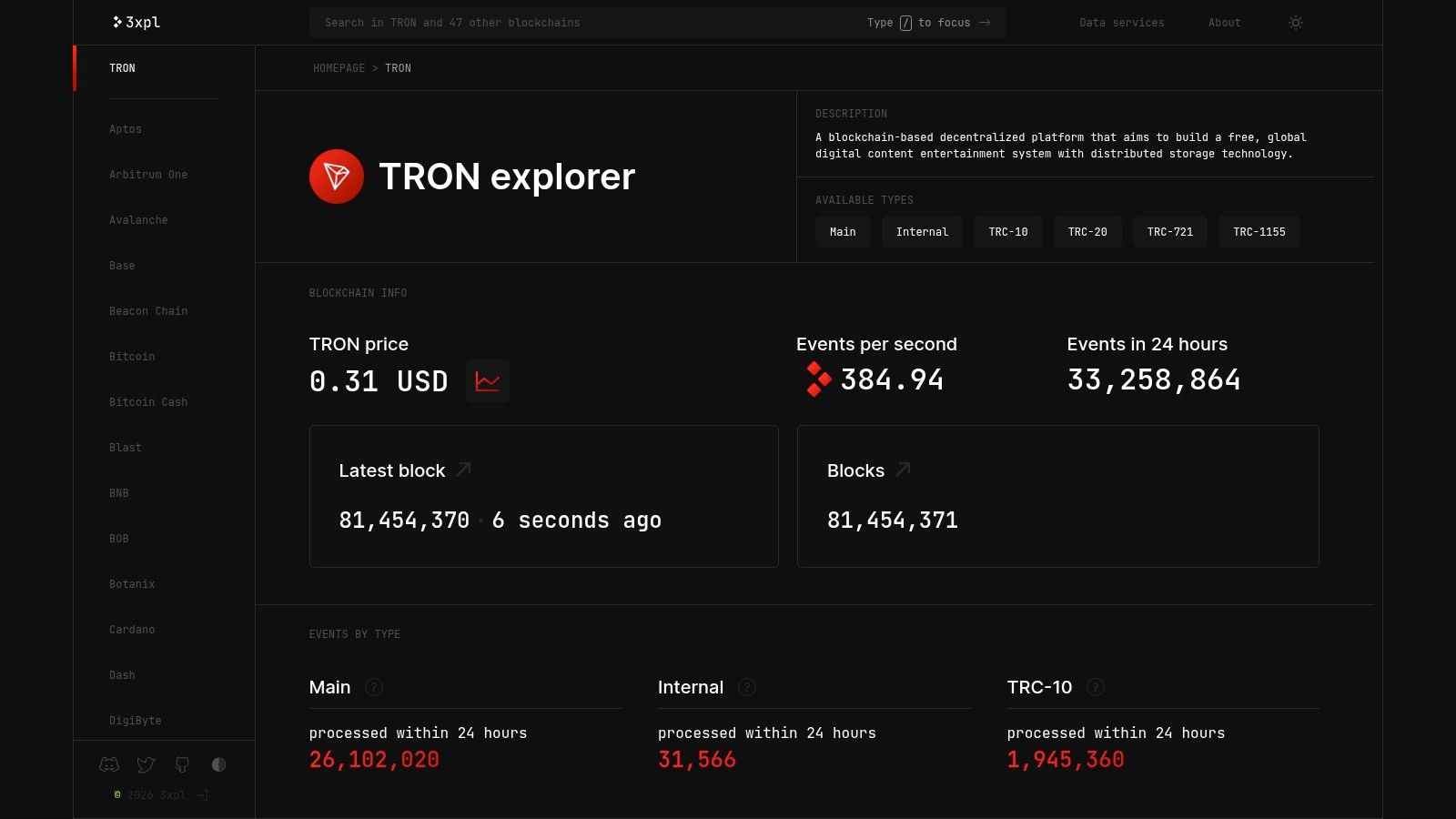
The platform’s design philosophy prioritizes speed and clarity above all else. When you land on an address or transaction page, events are neatly categorized into tabs for Main, Internal, TRC-10, TRC-20, TRC-721, and TRC-1155 transfers. This granular filtering is incredibly useful for isolating specific token movements or smart contract interactions from general account activity. For instance, a trader analyzing a wallet's NFT activity can instantly switch to the TRC-721 tab, bypassing all other transaction types. This focus makes 3xpl a superior secondary or tertiary tron blockchain explorer for validation workflows.
Website: https://3xpl.com/tron
OKX expands its ecosystem with an integrated multi-chain explorer, and its TRON section offers a clean and fast alternative for on-chain analysis. Directly embedded within the OKX Wallet interface, this tool is designed for users already familiar with the OKX platform, providing a seamless transition from trading or portfolio management to blockchain investigation. It delivers essential data on addresses, transactions, blocks, and tokens, making it a convenient TRON blockchain explorer for quick checks and monitoring.
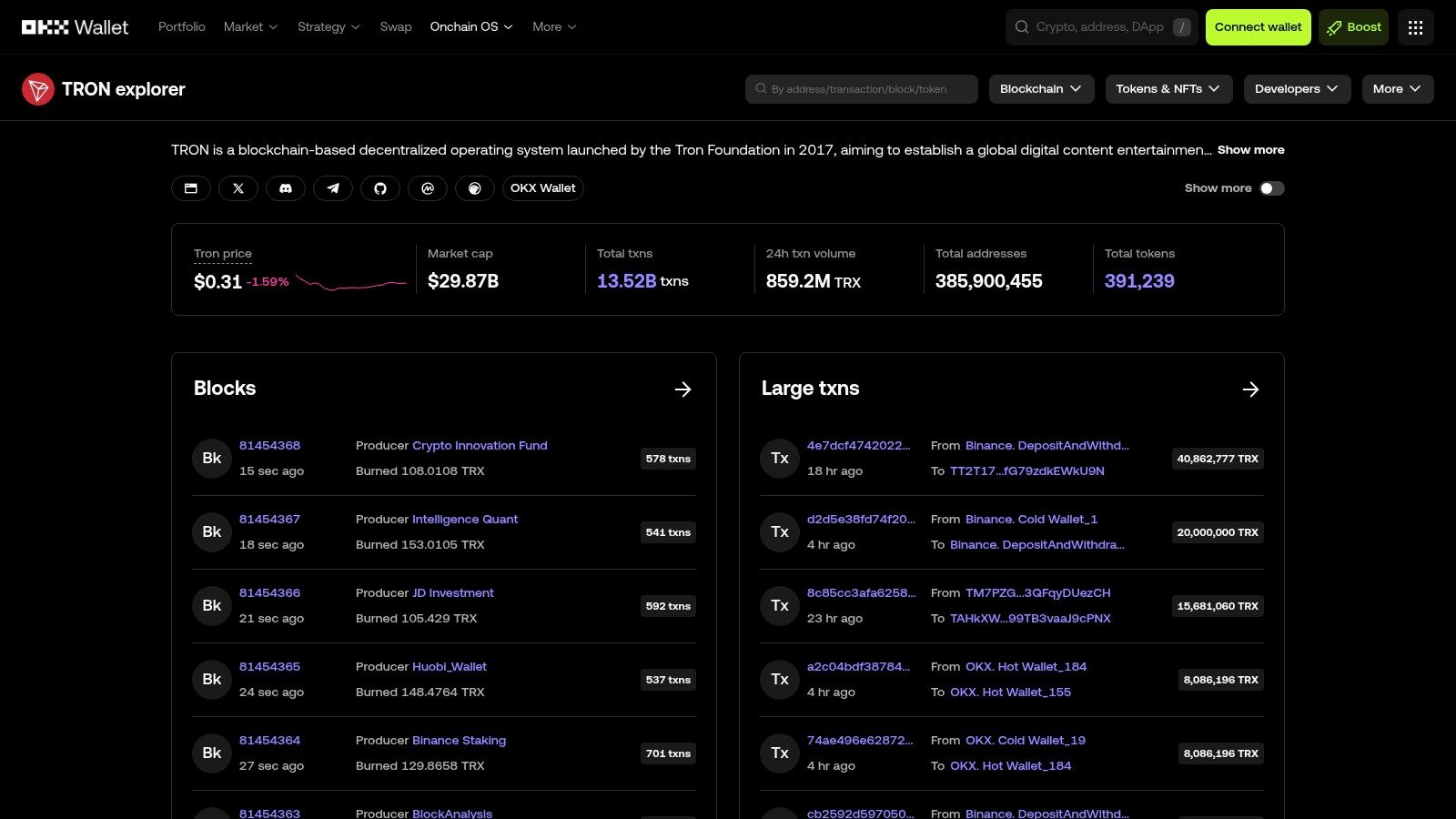
The primary strength of the OKX Explorer is its user experience and integration. The interface is exceptionally fast, with a minimalist design that prioritizes clarity over feature density. For beginners, the inclusion of educational guides that explain core TRON concepts, like the TRC-20 standard, directly within the explorer is a valuable touch. While it may not offer the deep developer tools or governance features of a dedicated explorer, its "Rich List" for tokens and cross-chain navigation capabilities are strong points for traders and investors tracking wealth distribution and multi-chain assets.
Website: https://web3.okx.com/explorer/trx
BlockExplorer.one presents a standardized, multi-chain approach to browsing blockchain data, with TRON as one of its supported networks. Developed by Crypto APIs, its primary appeal is to developers, teams, and enterprises that operate across multiple ecosystems. It offers a consistent user interface and data structure, which simplifies the workflow for anyone needing to switch between chains like Ethereum, BNB Chain, and TRON without relearning a new explorer layout each time. This uniformity is its key differentiator in the crowded field of single-chain explorers.
While its interface is more minimalist than feature-rich explorers, BlockExplorer.one excels in a specific operational niche: generating printable transaction receipts. For businesses needing to provide proof of payment or for individuals requiring documentation for accounting or compliance, this tool creates clean, human-readable PDF summaries of any given transaction. It also provides clear support for both the TRON mainnet and the Nile testnet, making it a functional choice for developers testing applications before mainnet deployment. The platform’s reliance on its parent company’s API means the free user interface may have some limitations on deep historical data access.
Website: https://blockexplorer.one/tron
TRXplorer.io stands out as a community-built Tron blockchain explorer, offering a lean and open-source alternative to the more corporate-backed platforms. Its primary value lies in its independence and transparency, making it an excellent resource for cross-referencing data and for developers who value transparent, open tooling. While it doesn't boast the extensive feature set of giants like TRONSCAN, its focus on core blockchain data provides a clean, no-frills user experience perfect for quick lookups.
The platform's strength is its simplicity and its open-source components. For those wary of relying on a single, centralized source of truth, TRXplorer.io serves as an essential secondary verification tool. If an address or transaction appears unusual on one explorer, checking it here provides an independent perspective that can confirm or deny suspicions. The community-driven nature also means its development is transparent, a key factor for security-conscious users and developers integrating its CLI or client utilities into their own workflows.
Website: https://www.trxplorer.io
Bitquery moves beyond the standard block explorer format, positioning itself as a research-grade data platform for developers, analysts, and quantitative traders. While it provides the fundamental address and transaction lookups expected of a TRON blockchain explorer, its core strength lies in its powerful GraphQL and streaming APIs. These tools are designed for programmatic access, enabling deep, customized data extraction for complex workflows like monitoring DEX trades, tracking token flows between specific wallets, and conducting compliance analysis.
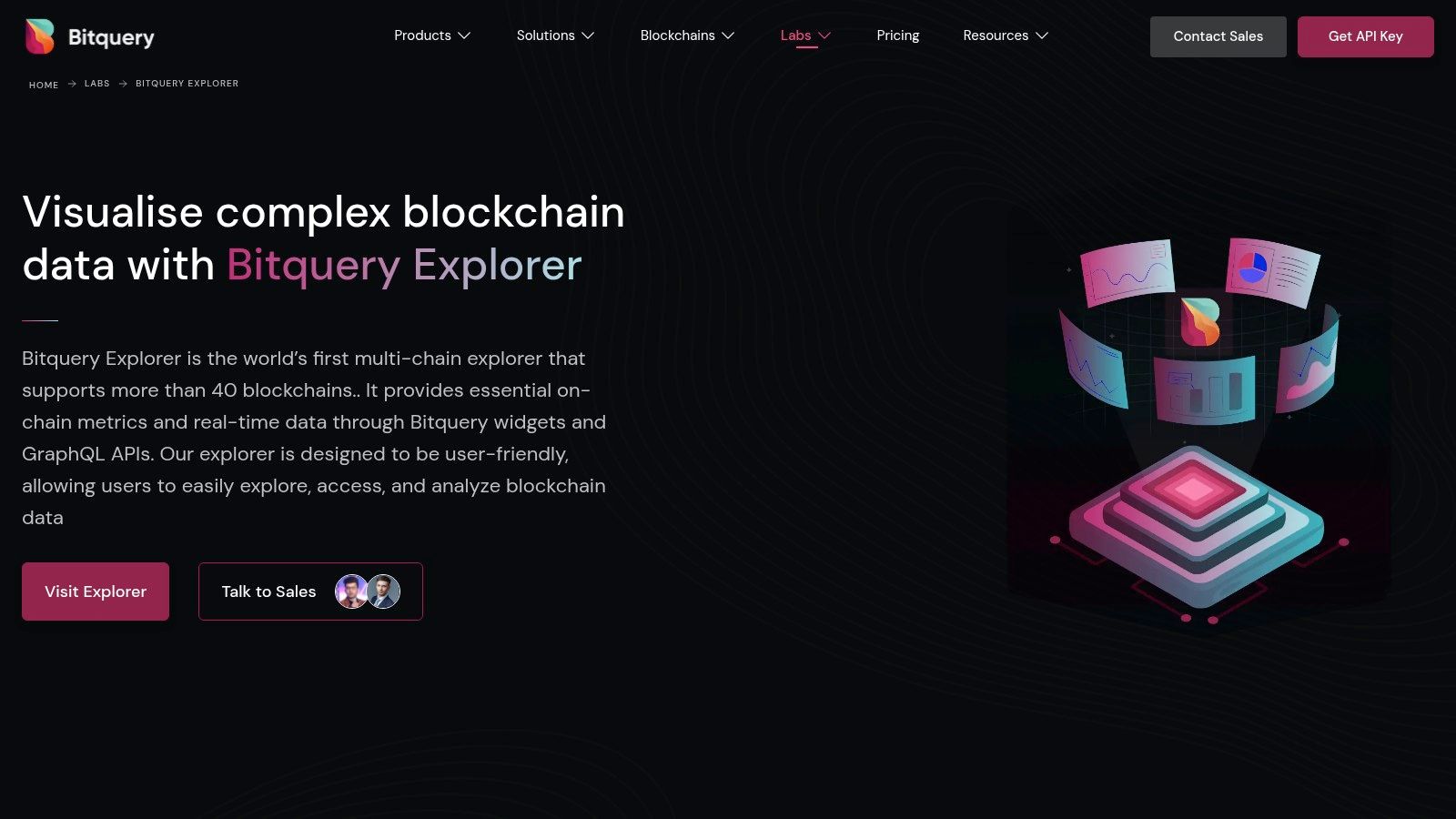
This focus on API-first data delivery makes Bitquery a go-to resource for anyone building a trading bot, a custom analytics dashboard, or a compliance monitoring system on the TRON network. The web-based UI, while functional, is more of a showcase for the underlying data capabilities than a retail-friendly interface. Its true value is unlocked when users integrate its APIs into their own applications. For those with the technical skill, Bitquery offers a level of data granularity and flexibility that is difficult to find elsewhere, allowing for sophisticated on-chain analysis and automation across multiple blockchains, including TRON.
Website: https://bitquery.io/labs/explorer
For developers building on the TRON network, the Shasta Testnet Explorer is not just another tool; it is the essential proving ground. Operating as a parallel universe to the mainnet, this explorer, also powered by the TRONSCAN team, allows developers to deploy, test, and debug smart contracts in a risk-free environment. Before a single real TRX is at stake, dApps, wallets, and complex integrations are put through their paces here, ensuring they function as intended. It mirrors the main TRONSCAN interface, providing a familiar user experience for those transitioning from development to deployment.
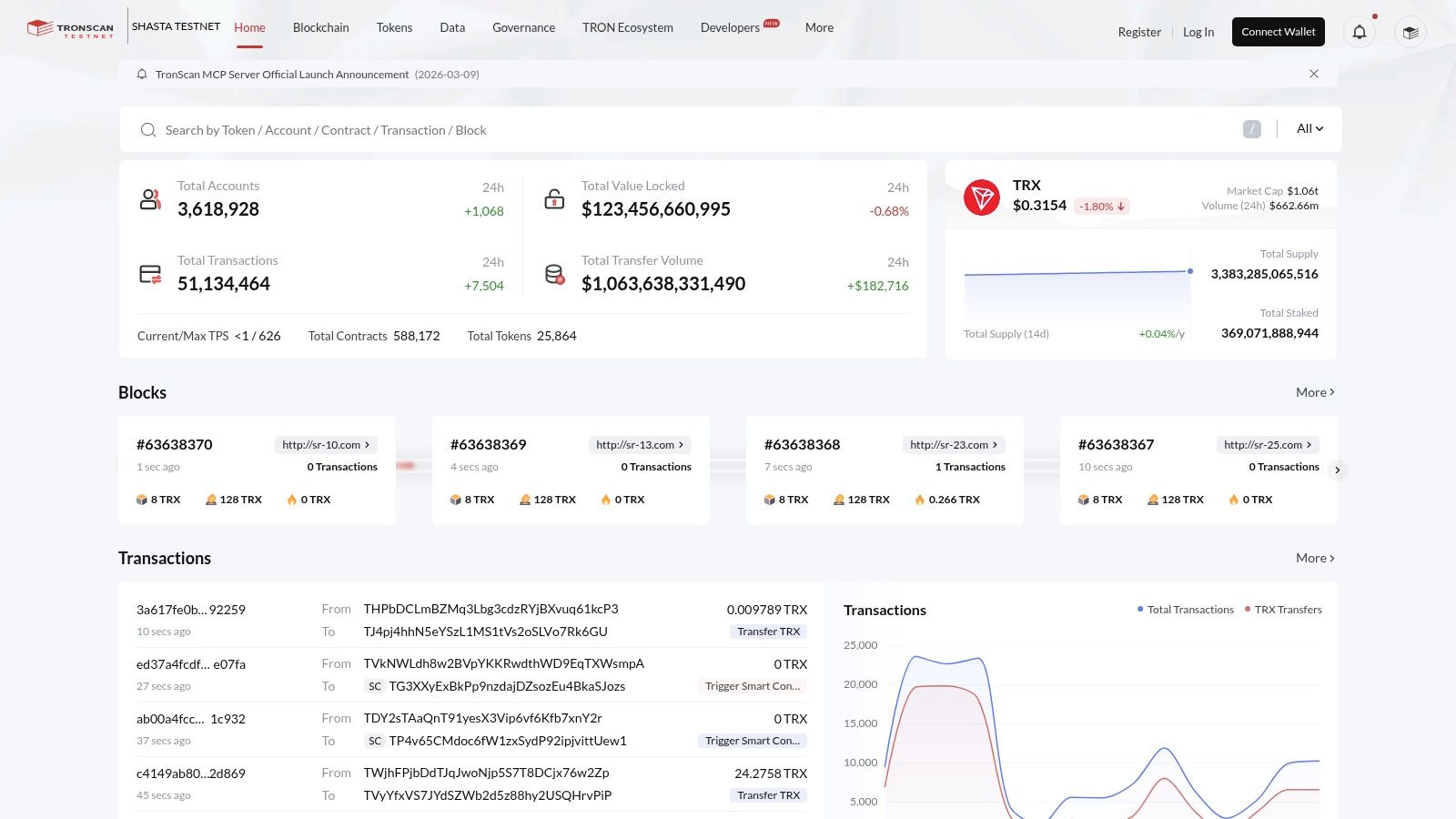
This tron blockchain explorer is purpose-built for a technical audience. Its primary function is to provide a sandbox where things are expected to break. Developers can simulate transaction flows, test webhook logic for off-chain services, and verify contract code without incurring mainnet gas fees. The availability of a testnet faucet to acquire "free" test TRX is central to its utility, allowing for extensive experimentation without financial consequence. This separation makes it a critical part of the quality assurance and pre-launch checklist for any serious TRON project.
Website: https://shasta.tronscan.org
For any developer building on TRON, the Nile Testnet Explorer is an indispensable tool for pre-production testing. As the official block explorer for the Nile test network, it provides a sandboxed environment that mirrors the functionality of the mainnet TRONSCAN. This allows developers and analysts to deploy smart contracts, test transaction flows, and estimate resource consumption using faucet-funded test TRX without risking any real assets. Its familiar interface, identical to the mainnet explorer, ensures a seamless transition from development to deployment.
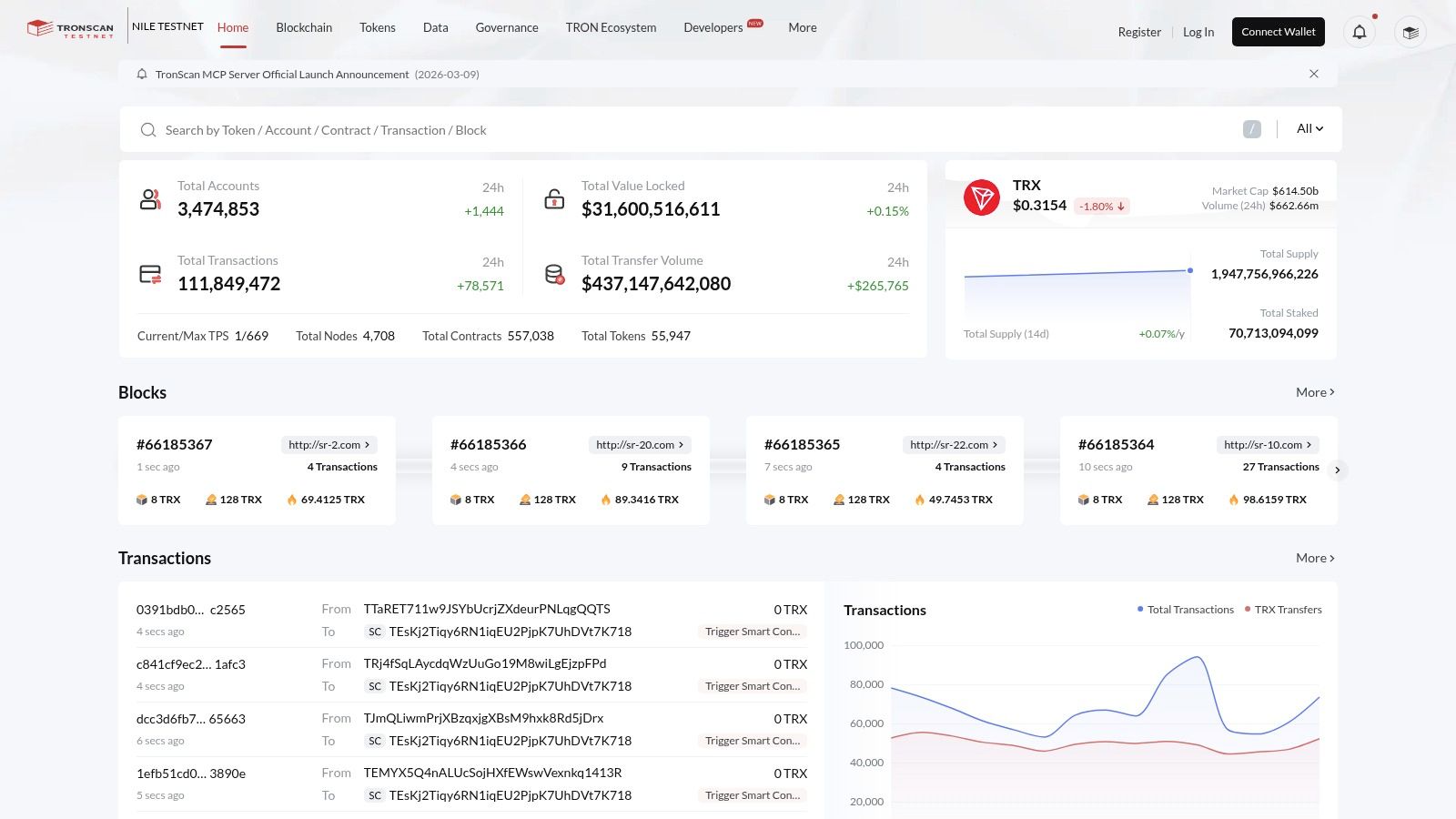
The primary strength of the Nile explorer is its widespread adoption within the TRON developer community. Countless tutorials, documentation pages, and community support threads reference it, making it the de facto standard for troubleshooting and collaboration. When you're trying to replicate a bug or follow a guide for deploying a new TRC20 token, using the Nile Testnet ensures your environment matches the example perfectly. This is crucial for verifying contract logic, testing API calls, and confirming that on-chain interactions behave as expected before they handle real user funds.
Website: https://nile.tronscan.org
Unlike a traditional TRON blockchain explorer, TRXScan.io operates as a crucial safety and navigation hub, particularly for newcomers. It doesn't host its own on-chain data but instead serves as a curated directory, pointing users toward official and trusted explorers like TRONSCAN and OKLink. Its primary function is to prevent users from landing on phishing clones or malicious websites that mimic legitimate explorers, a common risk for those new to the ecosystem. The site emphasizes URL hygiene and provides a clean, simple interface to get users to their intended destination safely.
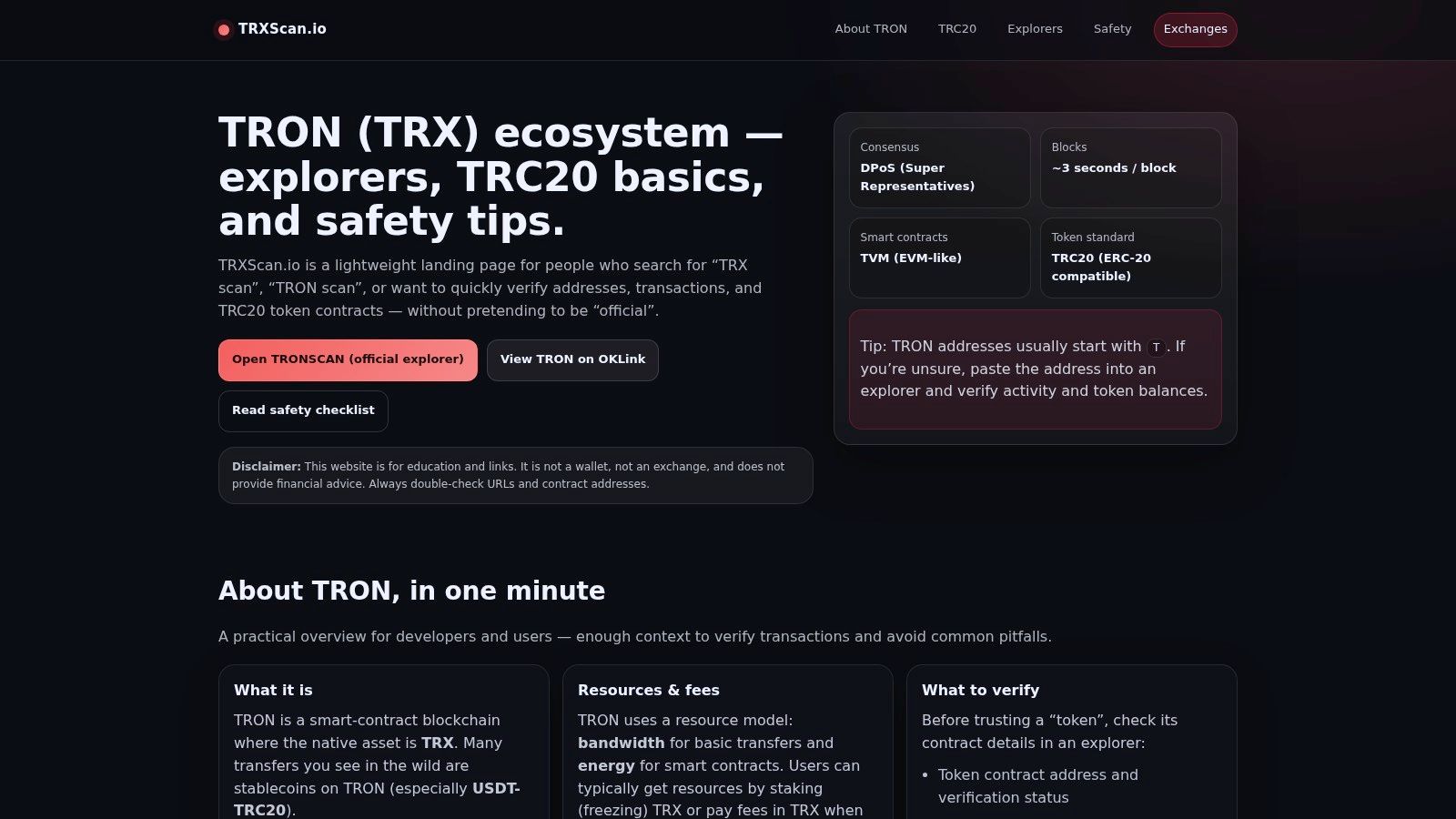
The value of TRXScan.io lies in its educational and security-first approach. For a beginner trader or investor, the risk of accidentally entering a private key or connecting a wallet to a fraudulent site is high. This platform mitigates that risk by providing not only direct, verified links but also brief summaries of TRON fundamentals, such as address formats and token standards. It acts as a secure antechamber to the complex world of on-chain data, ensuring users start their journey with the right tools and a strong awareness of security best practices. It’s a simple but effective resource for building good habits.
Website: https://trxscan.io
| Explorer | Core features | UX & Reliability | Value & Access | Best for | Notable strength |
|---|---|---|---|---|---|
| TRONSCAN (official) | Full-chain search, contract verify, governance & staking | ★★★★ 🏆 Canonical TRON source; occasional UX frictions & phishing risk | 💰 Free; primary data source | 👥 Developers, validators, power users | ✨ Official governance/staking tools; deep token pages |
| OKLink – TRON Explorer | Address/tx/token/NFT search, rich lists, cross-chain nav | ★★★★ Fast uptime; analyst-friendly UI | 💰 Free; APIs may change | 👥 Analysts & NFT/token researchers | ✨ Clean UI + strong token/NFT categorization |
| Blockchair – TRON | Cross-chain search, basic charts, permalinks | ★★★★ Consistent multi-chain UX for quick checks | 💰 Free; CSV-friendly exports | 👥 Cross-chain researchers & auditors | ✨ Trusted brand for cross-referencing chains |
| Tokenview – TRX Explorer | Whale/large transfer monitors, token pages, dev APIs | ★★★ Broad coverage; site varies by chain | 💰 Free tier; paid APIs for history | 👥 Whale-watchers & developers | ✨ Large-transfer alerts & developer APIs |
| 3xpl — TRON | Decoded events, event-type separation, fast lookups | ★★★★ Very fast; occasional downtime | 💰 Free; lightweight | 👥 Quick verifiers & sharers | ✨ Clear event separation + shareable links |
| OKX Explorer – TRON | Chain search, rich lists, cross-chain guides, wallet integration | ★★★★ Smooth UX; fast load | 💰 Free; tied to OKX ecosystem | 👥 OKX users & learners | ✨ Wallet integration + educational guides |
| BlockExplorer.one – TRON | Mainnet & testnet, printable receipts, simple searches | ★★★ Uniform, ops-oriented; limited free history | 💰 Free UI; API for full history (paid) | 👥 Ops, compliance & reporting teams | ✨ Printable transaction receipt PDFs |
| TRXplorer.io | Open-source explorer, CLI/tools, community-driven | ★★★ Independent & transparent; lean feature set | 💰 Free; community-run | 👥 Developers & transparency-focused users | ✨ Open-source codebase & CLI utilities |
| Bitquery Explorer (TRON) | DEX trades, token flows, GraphQL & streaming APIs | ★★★★ Research-grade; UI less retail-friendly | 💰 Paid API tiers; powerful programmatic access | 👥 Quants, compliance engineers, data teams | ✨ GraphQL + streaming endpoints for deep analytics |
| TRON Shasta Testnet Explorer | Testnet address/tx/contract browsing & verification | ★★★★ Official testnet endpoint for safe testing | 💰 Free; faucet-funded test tokens | 👥 Developers testing deployments | ✨ Official safe staging environment |
| TRON Nile Testnet Explorer | Testnet lookups, tutorials, resource estimation | ★★★★ Widely used in community examples | 💰 Free; testnet-only | 👥 Devs replicating mainnet flows in test | ✨ Community familiarity for tutorials |
| TRXScan.io (curated hub) | Links to trusted explorers, safety notes, URL hygiene | ★★★ Beginner-friendly landing & security focus | 💰 Free; not a full explorer | 👥 New users & security-conscious beginners | ✨ Emphasis on avoiding phishing clones and URL hygiene |
Our journey through the world of the Tron blockchain explorer has revealed a diverse and powerful set of tools. We've moved beyond simple transaction lookups to uncover how these platforms are essential for DeFi traders, developers, and analysts. From the official authority of TRONSCAN to the multi-chain powerhouses like Blockchair and OKLink, the right explorer can significantly sharpen your on-chain edge.
The key insight is that no single tron blockchain explorer is perfect for every task. Your specific goal dictates your choice. TRONSCAN remains the gold standard for contract verification and direct interaction, while explorers like Bitquery shine for complex, data-intensive queries needed by quants and professional analysts. For beginners, the clear interfaces of tools like Tokenview or OKX Explorer offer a gentle learning curve.
Making the right choice comes down to aligning features with your objectives. Before committing to a primary tool, consider these critical factors:
Ultimately, your strategy should be to build a small, curated toolkit rather than relying on a single platform. You might use TRONSCAN for its authoritative contract data, an explorer with a robust API for your automated scripts, and another with a superior mobile interface for quick checks on the go.
To put this knowledge into practice, start by selecting two or three explorers from our list that seem most relevant to your needs. Take a specific on-chain task you perform regularly-perhaps tracking a whale wallet, analyzing a new memecoin's distribution, or checking the returns of a staking pool.
Execute that same task on each selected tron blockchain explorer. Pay close attention to the clicks required, the clarity of the presented data, and any limitations you encounter. This hands-on comparison is the most effective way to discover which tool truly fits your personal workflow. By actively experimenting, you move from passively reading about tools to actively building your analytical arsenal, ready to uncover the next big opportunity on the Tron network.
Ready to find the most profitable wallets on TRON without spending hours manually digging through explorers? Wallet Finder.ai uses advanced analytics to surface top-performing traders and smart money addresses for you. Visit Wallet Finder.ai to start tracking alpha movers and upgrade your copy-trading strategy today.

A premier DeFi analytics platform empowering traders to discover and analyze profitable blockchain wallets, trades and tokens.