A Developer's Guide to String and Sol
Unlock the 'string and sol' ecosystem. Learn to manage strings in Solidity and on Solana for optimized cost, performance, and security in your dApps.

March 28, 2026
Wallet Finder

March 28, 2026

Ever wanted to hold a custom coin that you designed yourself? It’s more doable than you might think. A 3d printed coin is exactly what it sounds like: a physical token brought to life from a digital file using a 3D printer. It’s a fantastic way for anyone, from a hobbyist with a basic printer to a pro with high-end gear, to create everything from unique collector's items to branded challenge coins.
This guide will walk you through the entire process, from that first spark of an idea on your computer to holding a finished, polished coin in your hand.
We’re covering it all—no steps skipped. Whether you're aiming to make a one-of-a-kind collector’s piece, a promotional token for your business, or even a physical crypto coin to sit on your desk, 3D printing makes it happen. The best part is that even entry-level hobbyist printers can produce some seriously impressive results.
Turning a digital concept into a physical coin really boils down to three main stages: design, printing, and finishing. Getting a professional-looking final product isn't about having the most expensive setup; it's about understanding how these three phases work together.
This chart gives you a bird's-eye view of the workflow, from your digital blueprint to the tangible object you can actually hold.
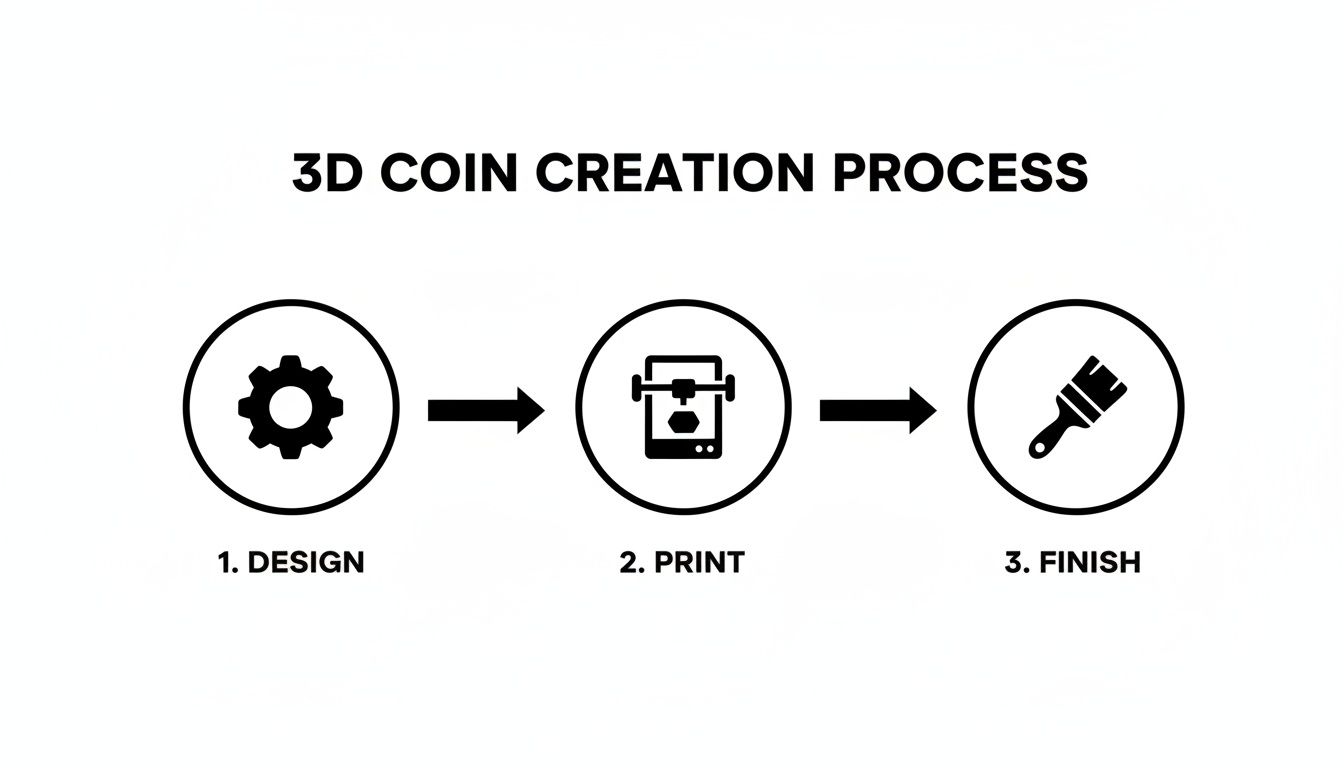
The key takeaway here is that each step builds on the last. A great print can't save a bad design, and sloppy finishing work can easily ruin a perfect print. You have to nail all three.
The real magic of making your own 3D printed coin is the complete freedom to customize. Traditional minting is expensive and usually requires massive production runs, but 3D printing lets you affordably create a single piece or a small batch.
This opens up all sorts of cool possibilities:
The material cost for a standard 40mm PLA coin is often less than $0.30. The real value is in the custom design and the satisfaction of making something yourself, making it a super rewarding and affordable project for any maker.
A fantastic 3D-printed coin all starts with a solid digital blueprint. The time you invest in the design phase pays off massively later, saving you from the headache of failed prints and wasted material. And don't worry, you don't need to be a seasoned CAD expert to get a great result—there are fantastic tools for every skill level.
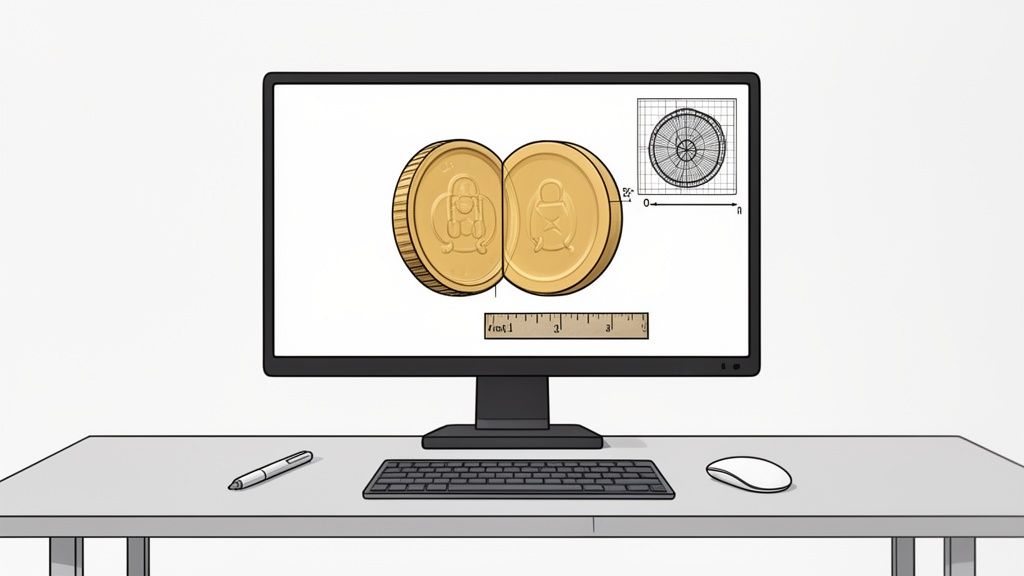
Here's a breakdown of software options based on your skill level:
Before you extrude your first cylinder, think about the final physical object. A coin's dimensions give it a satisfying heft and feel. A great starting point for a standard challenge coin is a diameter between 38mm to 45mm with a thickness of about 3mm to 4mm. This ratio feels substantial without being too clunky.
| Design Element | Recommended Spec | Why It Matters |
|---|---|---|
| Diameter | 38mm - 45mm | Provides a good feel and weight in hand. |
| Thickness | 3mm - 4mm | Ensures durability and a satisfying heft. |
| Model Integrity | "Watertight" (no holes) | Prevents print failures from non-manifold geometry. |
| File Format | 3MF or STL | 3MF is modern and can store more data (like color). |
An absolutely critical step is to make sure your model is "watertight." This is a 3D printing term that means your model is a single, solid object with no holes or gaps in its surface. These errors, called non-manifold geometry, will almost guarantee a print failure. Most design software has built-in analysis tools to find these problems.
The custom details are what make a coin truly yours. When adding text or logos, embossed (raised) details are almost always better than debossed (indented) for 3D printing.
When it comes to text, stick with bold, sans-serif fonts. The thinnest parts of any letter or logo must be at least 0.4mm to 0.5mm wide. Anything smaller than your printer's nozzle diameter simply won't resolve, leaving you with a garbled mess.
This level of detail management is crucial for both digital and physical assets. Much like collectors use a coin finder app to identify and organize their physical coins, you need to pay close attention to the small features in your digital file to ensure they translate to the real world.
Once you’re happy with the design, export to STL or 3MF. Always open your exported file in your slicer software for one last look-over to catch any sneaky issues.
The technology and materials you pick will ultimately define your coin's final appearance, detail, and even its durability. This choice really boils down to the two most popular consumer printing methods: Fused Deposition Modeling (FDM) and Resin (SLA/DLP).
Each has its own clear advantages when you're trying to make a 3d printed coin, so the "best" one depends entirely on your project goals and budget.

It's no surprise that Fused Deposition Modeling (FDM) is projected to dominate with a 36.7% market share by 2026, making it the go-to for most custom prototypes. For anyone watching tech trends, this growth is just one piece of the puzzle. The whole 3D printing materials sector, valued at $3.2 billion in 2024, is expected to skyrocket to $12.4 billion by 2033. You can dig into more of this data by reading the full research on 3D printing statistics at sqmagazine.co.uk.
When it comes to actually making a coin, the trade-off is pretty clear: do you want speed and low cost, or are you after ultra-fine detail? FDM is a workhorse for larger, sturdier coins where microscopic precision isn't the goal. Resin, however, truly shines at capturing the crisp lettering and intricate designs you’d expect from a real mint.
This table gives a direct comparison to help you choose the best method for your project.
| Feature | FDM (Filament) | Resin (SLA/DLP) |
|---|---|---|
| Detail & Resolution | Good. Visible layer lines require post-processing. Best for larger details. | Excellent. Captures incredibly fine details down to 0.05mm, ideal for text and intricate patterns. |
| Material Cost | Very low. A standard coin costs $0.10 - $0.30 in filament. | Low. A coin costs around $0.20 - $0.50 in resin. |
| Ease of Use | Beginner-friendly hardware and workflow. Less messy. | Requires more post-processing (washing and curing) and handling of chemicals. |
| Durability | Varies by material. PLA is brittle, while PETG or ABS offer more strength. | Standard resins can be brittle. "Tough" or "ABS-like" resins offer better durability. |
| Best For | Fast prototypes, sturdy coins, beginners, and low-cost production. | High-detail display pieces, small text, intricate patterns, professional finish. |
As you can see, both are surprisingly affordable per coin, but the real difference lies in the detail and workflow.
The material you choose is just as crucial as the printer itself. Your selection will directly impact your coin's final look, feel, and strength.
For FDM Printers (Filament):
For Resin Printers (Liquid Resin):
Think of your slicer software, like Cura or PrusaSlicer, as the final artist's touch before your 3d printed coin becomes a reality. Getting these settings right is what separates a cheap-looking token from a high-quality medallion. When you're dealing with the tiny text and intricate logos on a coin, the single most important setting on any FDM printer is layer height. To get those super-fine details to pop, you need to push this down to 0.1mm.
Beyond layer height, a handful of other settings work in concert to give your coin its final look and feel. Tweaking these will help you dodge common print failures and ensure your coin comes out looking sharp and feeling solid.
| Setting | Recommended Value | Actionable Tip |
|---|---|---|
| Layer Height | 0.1mm | This is the most critical setting for detail. It will increase print time, but the quality jump is massive. |
| Infill | 15-25% | Use a Gyroid or Cubic pattern. This provides great internal strength and a satisfying weight without wasting filament. |
| Ironing | Enabled | This feature smooths the top surface for a flawless, almost injection-molded look. |
| Ironing Flow | 10-15% | Reduce the flow during ironing to prevent over-extrusion and blobs, resulting in a cleaner finish. |
| Supports | None (Split Model) | Avoid supports. Split the coin into two halves, print them flat, and glue them together for a blemish-free result. |
Pro Tip: When you turn on ironing, try pulling the flow rate back a bit (to around 10-15%) and bumping up the speed. This little trick helps prevent the nozzle from globbing up and gives you that flawless, almost glass-like finish on the coin's faces.
Once you get these settings dialed in, you're not just making better prints—you're creating a product. The 3D printing market is booming, and it’s a great opportunity for a side hustle.
You could easily start an Etsy shop selling custom challenge coins, crypto desk flair, or board game tokens. With a small 5-10 hour weekly investment, you could generate $200-400 in monthly profit. As you get more efficient, you might even scale up to $600-1,100 in profit from $800-1,500 in revenue, with popular items selling for $8-25 each.
If you're curious, you can learn more about making money with a 3D printer at innocube3d.com.
A raw print is just the beginning; the real magic happens during post-processing. This is where you’ll turn a simple piece of plastic into a convincing 3d printed coin that could easily pass for real metal. With a little patience, both FDM and resin prints can give you stunning results.

For filament prints, your mission is to eliminate layer lines for a smooth, metallic finish.
This kind of detailed finishing is no longer just for hobbyists. As 3D printing becomes a major production technology, big companies are adopting it for large-scale uses. Experts are even predicting that software improvements could slash costs by up to 10x. This trend supports all kinds of small-scale innovations, including custom minting, within a market that's projected to hit $34.8 billion by 2026. You can dive deeper into this growth by checking out the full report on PR Newswire.
Resin prints have a huge advantage since they don’t have visible layer lines, but post-processing is still critical.
This final touch elevates your 3d printed coin from a plastic token to a true piece of art.
Once you dive into making your first 3D printed coin, you'll quickly run into the same questions that every maker faces. Let's get right to the practical answers for the most common hurdles, so you can skip the trial-and-error and get a great-looking coin on your first try.
If you want a convincing metallic look straight off an FDM printer with minimal fuss, your best friend is "Silk" PLA filament. This stuff comes in gold, silver, and copper and has a natural high-gloss shine that does most of the work for you. It's my go-to for projects that need to look impressive fast.
For true realism, though, nothing beats a good finishing process. I usually print with a standard PLA, then put in the time to sand, prime, and hit it with a quality metallic spray paint. It’s a tried-and-true workflow.
Want to take it to the next level? After painting, grab some metallic wax like Rub 'n Buff. A tiny amount adds an incredible depth and aged-metal effect that makes it nearly impossible to tell it’s not real metal. For resin prints, you can follow the same painting process or get creative by mixing metallic powders right into the resin before printing.
This is a classic challenge. You’ve got a couple of options, but one is clearly superior. Some people try printing the coin standing on its edge, but that’s a risky move. It often requires a wide brim for stability and can easily fail, especially on taller prints.
Another approach is printing it flat and using supports for the bottom side. This works, but cleaning up all the little support marks without mangling the fine details is a nightmare. You almost always end up with blemishes.
Honestly, the most reliable method for a perfect finish is to split the coin into two halves in your CAD software. Print each half with its flat side down on the build plate—no supports needed. Once they're done, you just glue the two perfect halves together. The result is a seamless, blemish-free, two-sided coin every time.
The actual material cost is surprisingly low. A standard 40mm diameter coin printed in PLA will only use about $0.10 to $0.30 in filament. With a resin printer, you’re looking at a slightly higher cost, usually between $0.20 and $0.50 per coin.
The real investment isn't the plastic; it's your time and the upfront cost of the printer itself. But once you have the hardware, churning out each 3D printed coin is incredibly affordable. If you end up with a large collection, you might want to look into using a coin counter app to keep track of everything.
This really comes down to your printer. A well-tuned FDM printer with a standard 0.4mm nozzle can usually resolve details around 0.5mm. For many designs, that's more than enough.
But if you want the crisp lettering and intricate patterns you see on real-world coins, a resin printer is the undisputed king. It can capture unbelievably small features, often as fine as 0.05mm. If your design has any fine text or complex logos, resin is going to give you a dramatically more professional and impressive result.
Ready to turn on-chain data into your next winning trade? Wallet Finder.ai helps you discover and track the most profitable DeFi traders in real-time. Start your 7-day trial and mirror the strategies of top wallets today at https://www.walletfinder.ai.