
Top 10 Auto Code Scanners for 2026: A Buyer's Guide
Find the best auto code scanners for your car. Our 2026 guide covers top OBD-II tools for DIY and pro users, comparing features, price, and compatibility.
That Check Engine Light Doesn't Have to Be a Mystery.
The light comes on at the worst time. You’re heading to work, loading kids in the car, or getting ready for a weekend trip, and that amber icon suddenly starts staring at you from the dash. The car may still feel fine, which makes it worse. You know something’s wrong, but you don’t know if it’s a loose gas cap, a sensor issue, or the start of an expensive repair.
That’s exactly why auto code scanners have become so useful. A good scanner won’t magically fix the car, but it will tell you where to start. That matters because a code is a clue, not a verdict. The better the tool, the better your odds of separating a simple issue from a job that needs real testing.
Modern scanners exist because OBD-II gave the industry a common language starting in 1996, with standardized diagnostic trouble codes, a universal 16-pin connector, and live data access across major brands, which changed diagnostics from brand-specific chaos into something one tool could handle across a huge range of vehicles (Geotab on OBD-II standardization). That’s why even a basic reader today can do things that used to require make-specific equipment.
The problem is choosing the right scanner. A cheap handheld may be perfect for a commuter car owner who only wants to read and clear engine codes. It’s the wrong choice for someone doing brake service resets, battery registration, ABS work, or bidirectional tests. On the other end, a pro-grade tablet can be fantastic in a shop and complete overkill in a home garage.
1. BlueDriver Pro
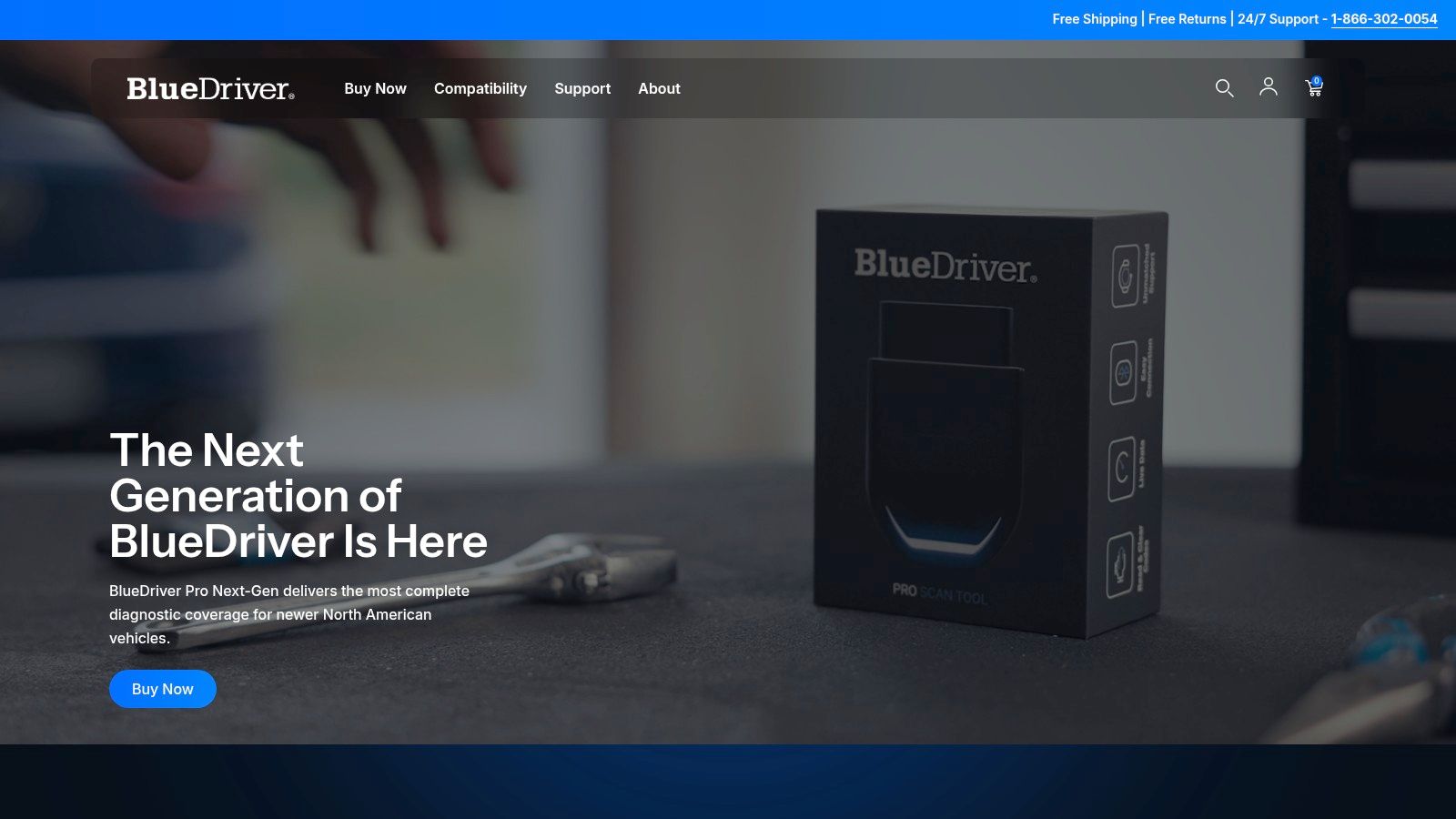
BlueDriver Pro works best for the owner who wants better answers without learning shop-level diagnostics. It’s a Bluetooth dongle that stays small enough to toss in a glovebox, and the main experience lives in the phone app. That setup is either a huge plus or an instant dealbreaker, depending on how much you like using your phone in the garage.
The appeal is simple. Plug it in, pair it, scan the car, and you get more than a generic code description. BlueDriver gives live data, freeze-frame info, readiness status, and repair-report style guidance that’s easier for non-professionals to understand than many old-school handheld menus. You can find the official product at the BlueDriver Pro website.
Best fit and real trade-offs
For DIY owners, BlueDriver hits the sweet spot between cheap readers and bigger handhelds. It’s easier to use than many dedicated units because the app is familiar, and the wireless setup means no cable hanging off the steering column while you’re watching data.
What it doesn’t do is replace a professional platform.
- Best for quick diagnosis: It handles read and clear functions, live data, freeze-frame, smog readiness, and Mode 6 access without making the user fight through clunky menus.
- Best for occasional users: If you scan a few times a year, a phone interface is usually easier to keep current than a standalone device.
- Weak point: If you hate app logins, account requirements, or depending on your phone battery, this style gets annoying fast.
Practical rule: BlueDriver is a strong choice when you want to understand a check engine light and verify a repair. It’s a weak choice if you expect shop-style active tests or service functions.
A phone-based scanner also means your screen quality, app speed, and notification clutter depend on your phone. That sounds minor until you’re trying to graph sensor data with greasy hands while a call comes in. If you like app-based tools in general, the same kind of convenience shows up in other categories too, even outside automotive, such as browser-based scanning utilities like this online scanner tool comparison.
2. THINKCAR Thinkdiag 2
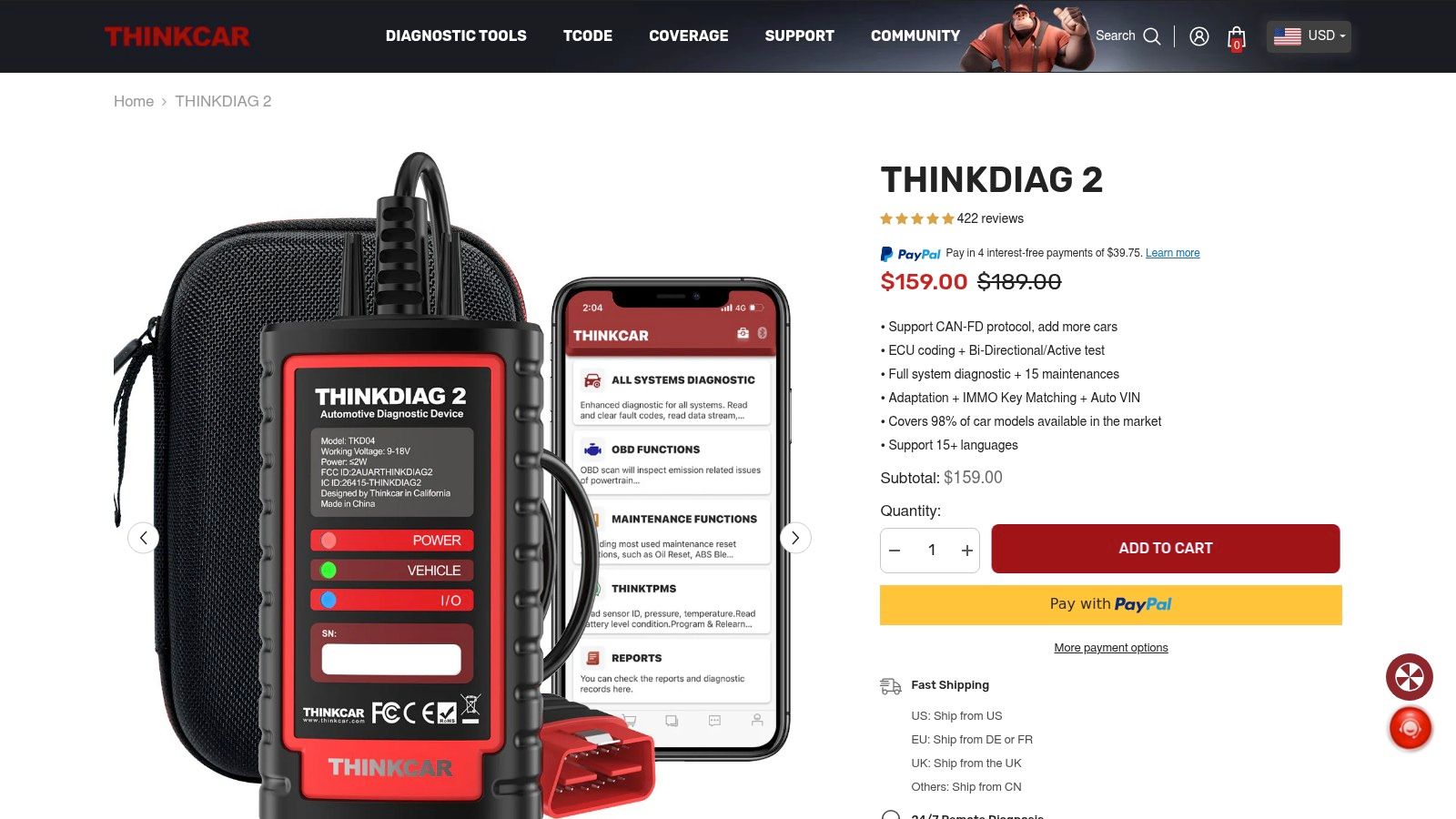
Thinkdiag 2 is where phone-based scanners start leaning into prosumer territory. It’s still a compact Bluetooth dongle, but the function set aims higher than the average DIY reader. If BlueDriver is for understanding faults, Thinkdiag 2 is for users who want to get into full-system scans, service functions, and some bidirectional work without jumping straight to a big tablet.
That makes it attractive to people who work on multiple family cars or handle their own maintenance beyond oil changes and spark plugs. The official listing is on the THINKCAR Thinkdiag 2 page.
Where it earns its spot
The best thing about Thinkdiag 2 is depth in a very small package. It can auto-read VINs, scan more than the powertrain side of the car, and access functions that basic code readers don’t touch. On the right vehicle, that means a lot less guessing.
A few practical realities matter:
- Strong use case: Owners who need more than emissions codes and want one pocketable tool for several vehicles.
- Big advantage: Full-system access is a major step up from tools that only read generic engine faults.
- Main drawback: App and subscription structure can change the long-term value, especially if you need deeper brand coverage over time.
This is the kind of scanner that sounds inexpensive until you realize the software side matters as much as the hardware. That’s not a Thinkdiag-only issue. It’s common across many app-based and tablet-based auto code scanners.
If you work on newer vehicles with more electronic systems, full-system access matters far more than flashy hardware specs.
The other thing to remember is that phone-based pro features still depend on the phone. If your device is old, storage is full, or Bluetooth acts up, your scanner feels worse than it should. When people say a tool is “good but buggy,” a lot of the time they’re really describing the app-and-phone combination, not just the dongle.
3. Innova CarScan Pro 5610
Innova’s CarScan Pro 5610 is for people who want a real handheld and don’t want to be married to an app every time they plug into a car. That matters more than some buyers expect. A dedicated unit turns on, connects, and gets to work without texts, firmware drama from your phone, or battery anxiety.
The 5610 sits in a strong prosumer lane. It offers all-system diagnostics, active tests, and a broad list of service functions while keeping the familiar handheld format many techs still prefer. You can check the manufacturer details on the Innova CarScan Pro 5610 page.
Why handheld still wins for some users
A lot of people assume tablets are always better. They’re not. A handheld can be faster for routine work because it’s one-purpose equipment. Pick it up, plug it in, run the scan. For repeated jobs like checking ABS, transmission, or airbag faults on daily drivers, that simplicity saves aggravation.
The no-subscription angle is also a big selling point here. Buyers who hate recurring software fees tend to gravitate toward Innova.
- What works well: All-system access, bidirectional controls, and service functions in a rugged standalone tool.
- Who should buy it: DIY enthusiasts who’ve outgrown basic readers and want one device that lives in the toolbox.
- What to watch: Coverage is tuned more toward the U.S. and Canada, so it’s less attractive if you regularly work on vehicles outside that market mix.
One practical limitation is secure gateway access on some newer vehicles. That’s not unique to Innova. It’s part of modern vehicle security, and it can affect what any scanner can do without the proper authorization path.
For buyers who care about data privacy and account security in connected tools, the same basic habit applies across categories. Understand what the software requires and what protections are in place, whether you’re using a garage app or reading about scanner-related protection habits.
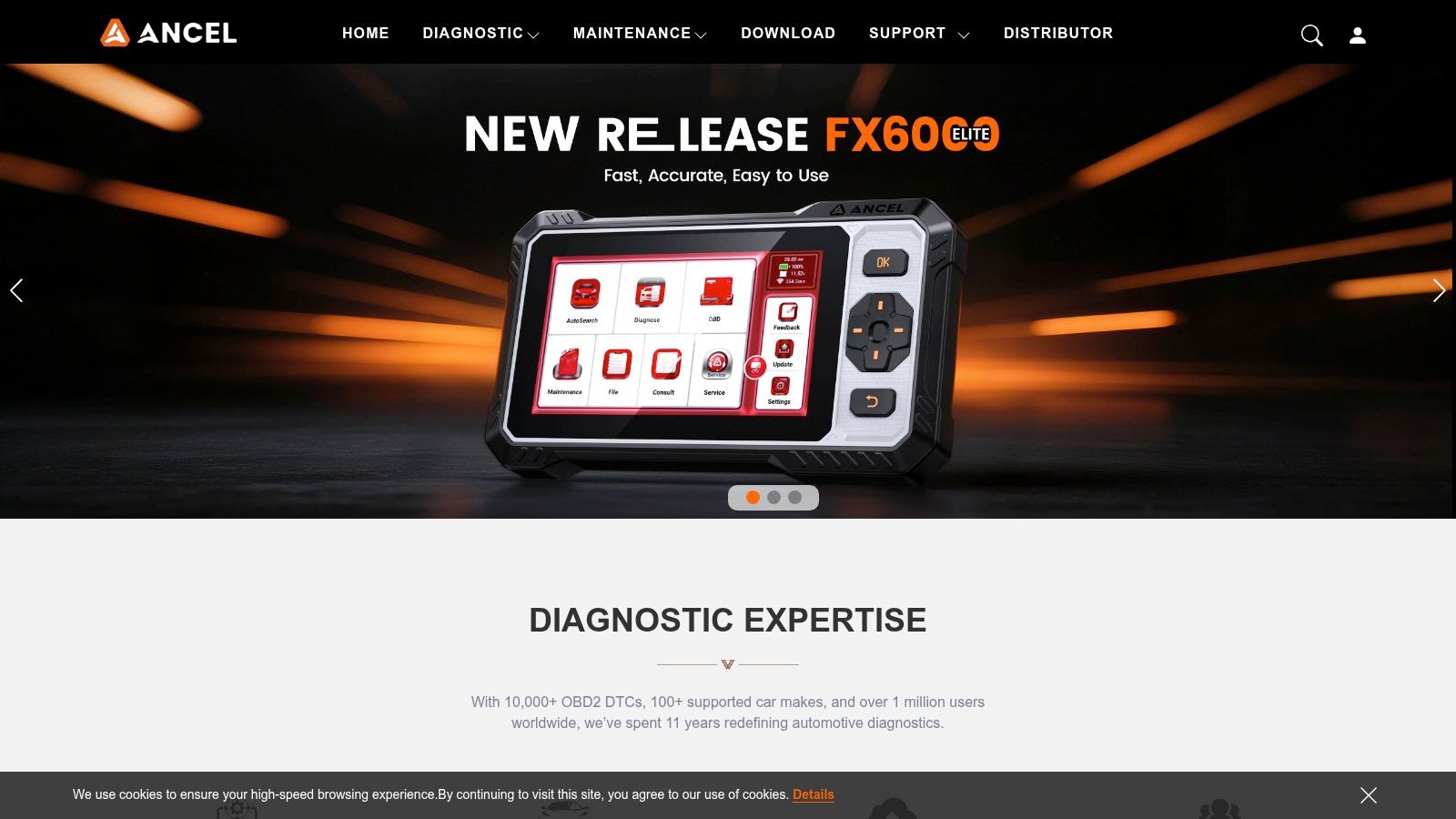
4. ANCEL AD310
You’re in a parking lot, the check engine light comes on, and you want to know whether the car can make it home or needs a tow. That is the AD310 job. It reads generic OBD-II fault codes, clears them, shows basic live data, and checks emissions readiness. Nothing about it suggests shop-level diagnostics, and that is the point.
The ANCEL AD310 sits firmly in the DIY, budget-handheld lane. It fits buyers who want a simple answer tool, not a scanner they need to learn. Plug it into the OBD-II port and go. No phone. No Wi-Fi. No battery charging. The official brand site is ANCEL Tech.
That simplicity is the whole value proposition, but it comes with hard limits. You are buying a code reader for engine-related OBD-II work, not a multi-system diagnostic platform.
- What it handles well: Check engine light codes, code clearing, I/M readiness checks, and basic data like RPM or coolant temp
- What it does not do: ABS, SRS, transmission modules on many vehicles, service resets, coding, or active tests
- Who it fits: First-time DIY owners, students, commuters, or anyone who wants a low-cost glovebox scanner
- Who should skip it: Prosumer buyers who already know they need brand-specific data or maintenance functions
This is one of those tools that can save money or waste it, depending on how it gets used. Used correctly, it tells you whether the fault looks minor, whether monitors are set before inspection, or whether a trip to the shop needs to happen sooner rather than later. Used badly, it turns into false confidence. A P0420 or misfire code points you toward a problem area. It does not confirm the failed part.
That distinction matters more with a tool like this than with the more capable scanners in this list. Dongle and tablet setups usually earn their higher price by expanding system access and test capability. The AD310 earns its place by staying cheap, fast, and dead simple.
For the right buyer, that is enough. For anyone shopping with pro or prosumer expectations, it is the wrong category.
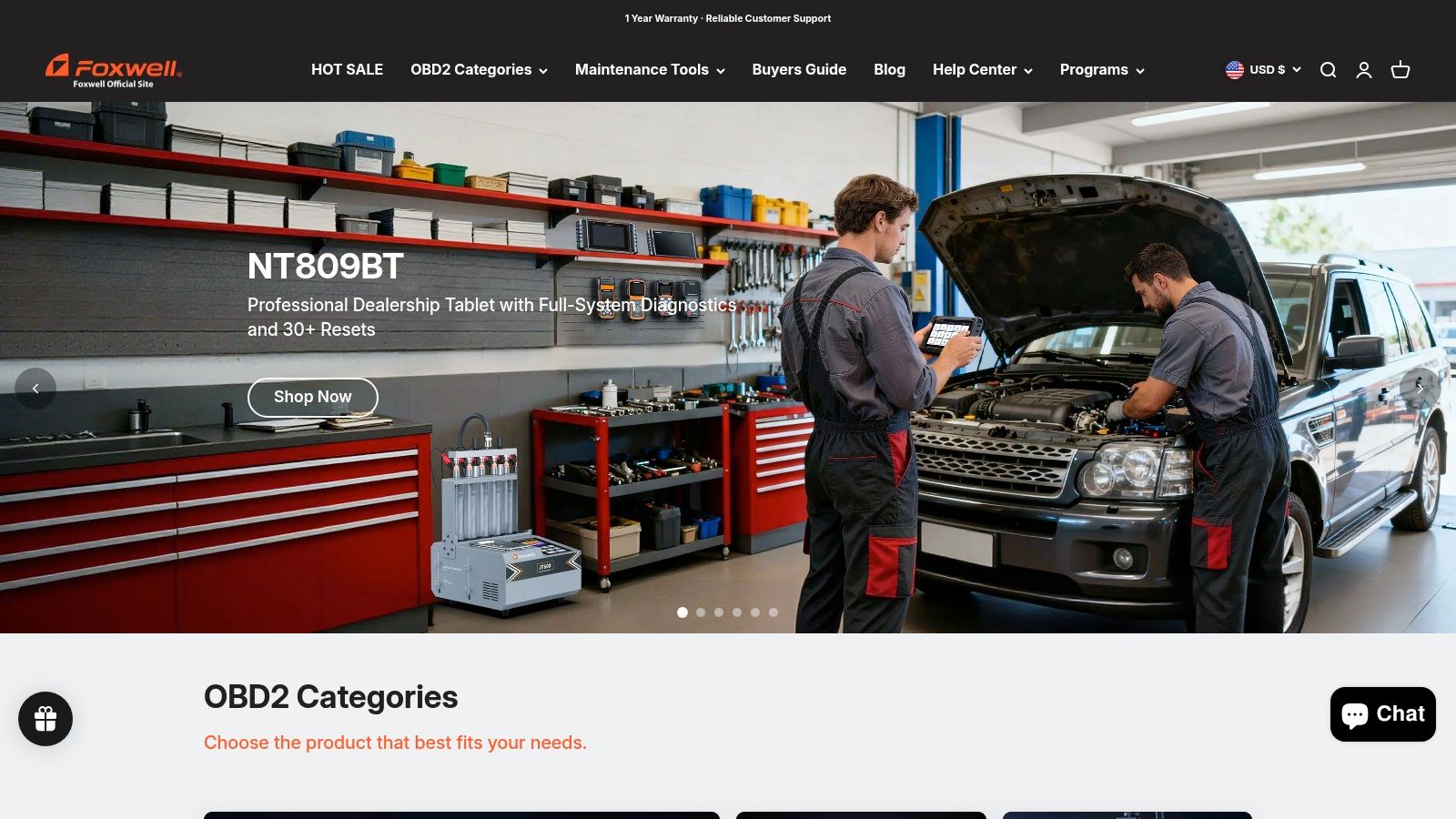
5. Foxwell NT809 and NT809BT
Foxwell’s NT809 line lands in a practical middle ground. It’s for the buyer who wants more than a simple handheld but doesn’t necessarily want to jump into the larger, more expensive tablet ecosystems from Autel, Launch, or Snap-on. The NT809BT adds wireless VCI convenience, while the regular NT809 keeps things more straightforward.
Foxwell tools tend to appeal to owners who value a standalone device and want common service functions without treating diagnostics as a profession. The official store is Foxwell Diagnostic.
The middle-ground choice
This kind of scanner is easy to underrate because it doesn’t have the strongest brand prestige in every shop conversation. But for home use and side-work garages, the NT809 format makes a lot of sense. You get all-system scanning, live data, and useful reset coverage in a package that feels less cumbersome than a full tablet setup.
That said, “middle ground” also means compromises.
- Strong point: Good feature spread for buyers who want a dedicated unit and decent system coverage.
- Weak point: Advanced functions can vary more by make and model than buyers expect.
- Real-world note: If you mainly service common domestic and Asian vehicles, tools in this tier often feel more satisfying than they do on niche European or luxury platforms.
The NT809BT specifically helps if you hate being tethered while moving around the vehicle. Wireless VCIs are nice when you’re commanding functions while standing underhood, not halfway folded under the dash. But wireless is also one more thing to charge and one more connection point that can misbehave.
For buyers comparing Foxwell against bigger-name tablet ecosystems, the right question isn’t “Which one has more features?” It’s “Which features will I use more than once?”
6. Autel MaxiCOM MK808Z
The MK808Z is the point where a lot of enthusiasts realize they’re done buying “almost enough” scanner. It’s a compact Autel tablet with all-system diagnostics, bidirectional control, and a broad menu of service functions. For an advanced DIYer or a small garage, that can be the first tool that feels capable instead of merely helpful.
Autel’s interface is one reason these tools stay popular. If you’re comfortable with a smartphone, the learning curve is manageable. You can see the official version on the Autel MaxiCOM MK808Z page.
Why this is a common upgrade pick
The MK808Z does a lot of things well enough to replace several lower-tier tools. It can access more systems, perform active tests, and guide users through common reset and maintenance procedures. That matters when a repair needs confirmation, not just code reading.
For the serious hobbyist, this tier often represents the best balance of capability and sanity.
- Big advantage: Broad function set without jumping all the way to a large pro platform.
- Why people upgrade to it: It handles the jobs where basic readers stop being useful, especially after brake, battery, steering-angle, or electronic parking brake work.
- What buyers miss: Update policy and seller legitimacy matter. Gray-market units can turn a good scanner into a support headache.
This is also the kind of tool where market direction helps explain why scanner makers keep pushing more capable hardware and software bundles. In the wider AIDC market, hardware held a 63.0% revenue share in 2024, showing that dedicated scanning devices still matter even as software gets smarter (Grand View Research AIDC market report).
If you like data-rich platforms in other areas too, the same general logic applies. Better filtering, better interfaces, and better visibility can change decision quality fast, whether you’re diagnosing a car or evaluating a crypto screening workflow.
7. LAUNCH X-431 Throttle V
The X-431 Throttle V is where “enthusiast scanner” starts crossing into “shop platform.” LAUNCH built this line to scale. A serious DIY owner can use it, but the ecosystem around it points toward people who may add battery tools, key programming, ADAS equipment, or other specialized modules later. The official U.S. home is Launch Tech USA.
What separates this from mid-tier tablets isn’t just the scan list. It’s the platform thinking. The Smartlink VCI, expansion path, and broader professional orientation make it a better long-term fit for users who expect their needs to grow.
The scanner that scales with you
This is one of the easier recommendations for side-hustle mechanics and small independent shops. You can start with core diagnostics and bi-directional functions, then add capability as your workload changes. That modular approach is a real advantage over buying a cheaper tool, outgrowing it, and replacing the whole thing.
Still, LAUNCH asks for buyer discipline.
- Buy from the right channel: Regional restrictions and support differences can turn a bargain unit into a frustrating mistake.
- Know your use case: If you’ll never add modules or handle varied makes regularly, you may be paying for growth you won’t use.
- Expect software economics: Update costs are part of the professional-tool reality.
Buy a platform like this because you need capability and room to grow. Don’t buy it because the feature list looks impressive on a sales page.
Shops that work across many brands often appreciate LAUNCH because it covers a broad mix without forcing them into a single make-specific workflow. For one-car owners doing occasional maintenance, it’s often more scanner than they need.
8. TOPDON ArtiDiag Pro
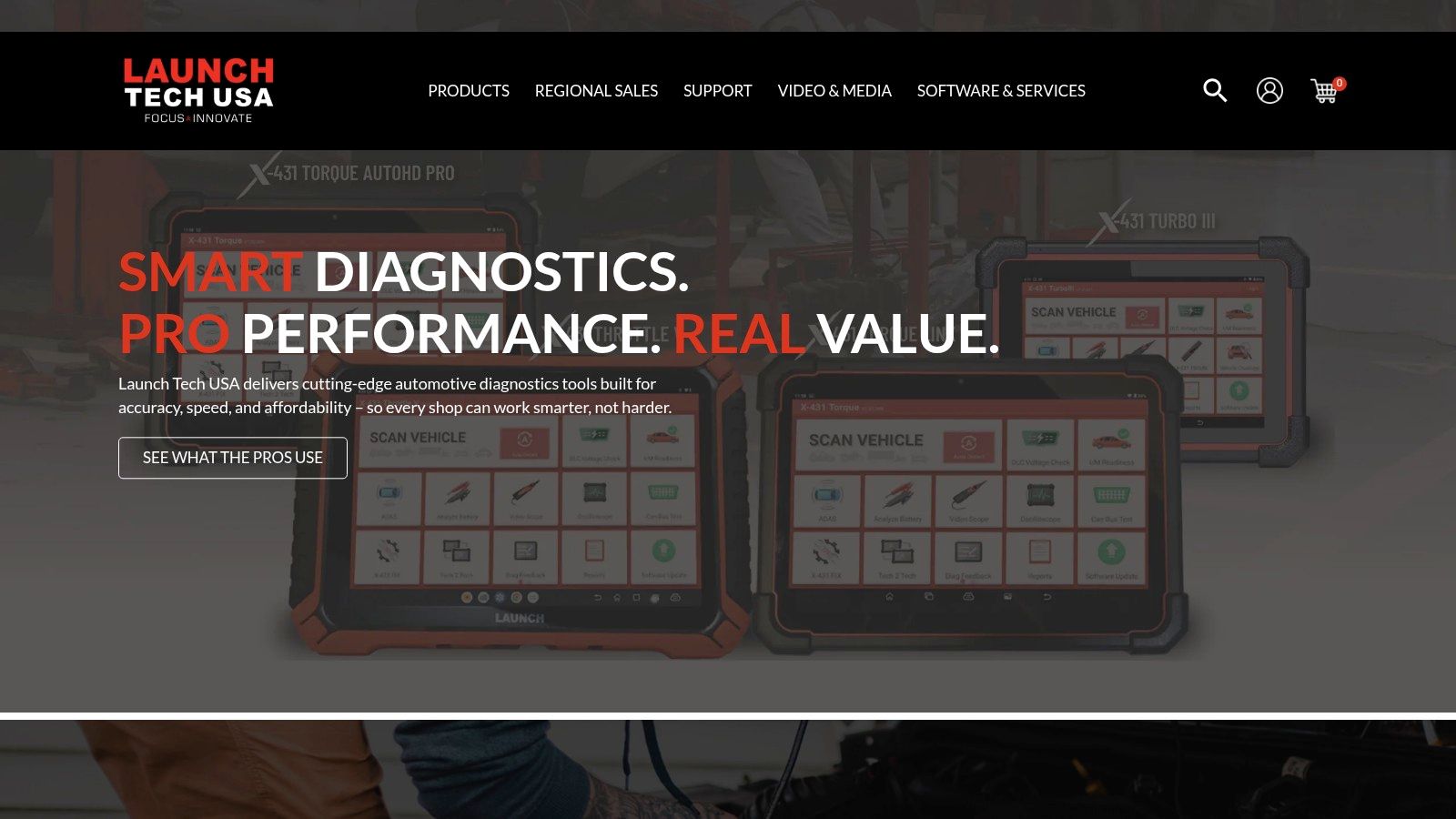
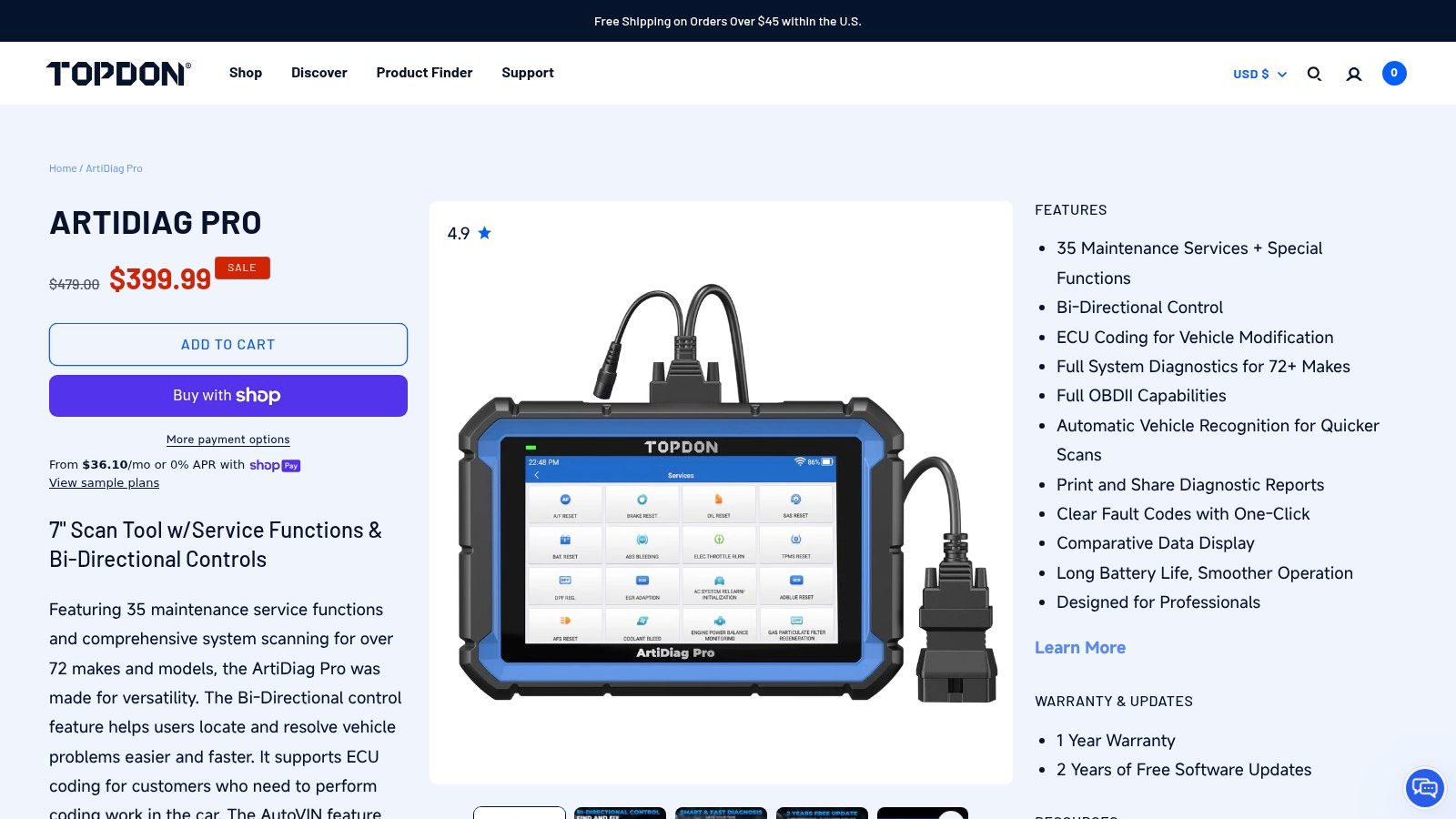
TOPDON has done a good job carving out a lane for buyers who want modern features without paying for the top shelf. The ArtiDiag Pro sits in that value-heavy part of the market where all-system scanning, bidirectional controls, and a healthy reset list are expected, but buyers still care about every dollar spent. The official product page is the TOPDON ArtiDiag Pro listing.
This is one of those tools that often looks stronger on paper than people expect. In the garage, that usually translates into a scanner that feels generous for the money on common repair work.
Where it makes sense
For DIY owners who are past entry-level readers, the ArtiDiag Pro can feel like a practical jump. It gives enough function to support brake work, service resets, and system-level troubleshooting without the complexity of larger professional platforms.
A few realities keep expectations in line:
- Good choice for: Home garages and light professional use on mainstream vehicles.
- Main caution: Coverage depth can be uneven, especially when you move into some European or luxury applications.
- Value angle: Frequent Wi-Fi updates and a broad feature set help it compete well in its class.
The wider scanner market keeps moving this direction. Future Market Insights projects the barcode scanner segment within AIDC to grow from USD 9 billion in 2026 to USD 16.9 billion by 2036, with a 6.5% CAGR, reflecting ongoing demand for real-time capture tools across industries (Future Market Insights barcode scanner market). Automotive diagnostics isn’t the same category in practice, but the pattern is familiar. Buyers want faster access to usable information without adding friction.
TOPDON’s strength is that it usually feels modern without feeling overbuilt. That’s a good place to be for most non-shop users.
9. XTOOL D8 and D8BT
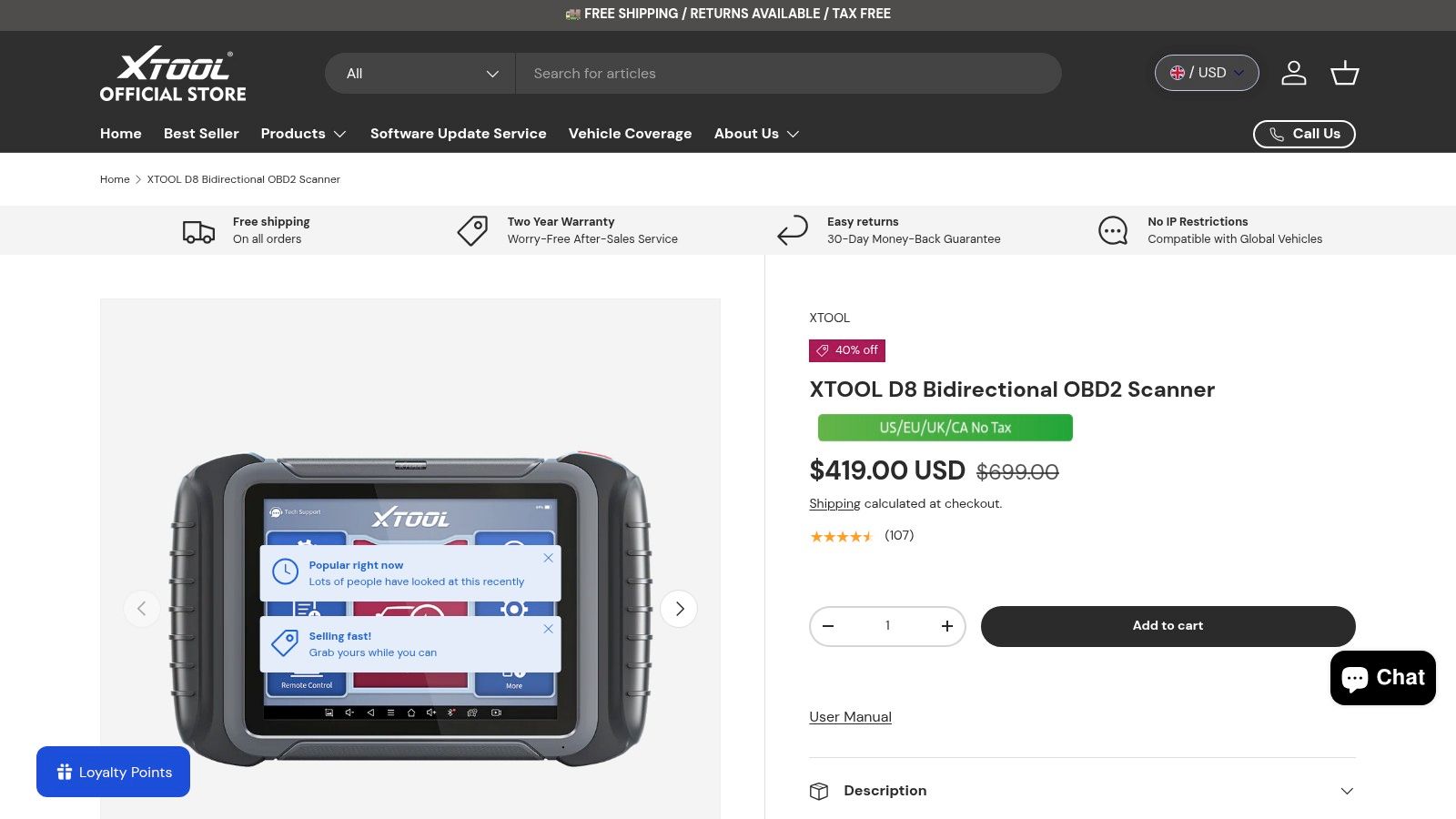
XTOOL’s D8 and D8BT are aimed squarely at buyers who compare spec sheets hard. Large screen, active tests, all-system diagnostics, topology views, guided resets, and supported coding functions give these scanners a lot of appeal to advanced DIY users and budget-conscious shops. The wireless D8BT adds flexibility if you move around the car often. The official product page is XTOOL Global’s D8 and D8BT listing.
This is the scanner for people who want a lot of tool for the money and don’t mind spending time learning it. That’s an important distinction. Capability is only useful if you’ll use it well.
Spec-rich, but verify your needs
The D8 family shines when you’re doing more involved work and want better visibility into what modules are talking to each other. Topology mapping can save time on network-heavy cars because it helps you see the system layout instead of digging through menus one module at a time.
The trade-offs are predictable.
- Why buyers like it: Strong feature density and frequent multi-year update promotions.
- Why some hesitate: Support depth and ecosystem maturity may not feel as established as the most entrenched U.S. professional brands.
- Smart buying move: Verify you’re purchasing supported stock for your region before worrying about the feature list.
This is a good example of a scanner that’s easy to overbuy. If your real work is reading powertrain codes and checking readiness, the D8 is unnecessary. If you’re doing module-level diagnosis, electronic service work, and regular troubleshooting across several vehicles, it becomes much more compelling.
10. Snap-on SOLUS Edge
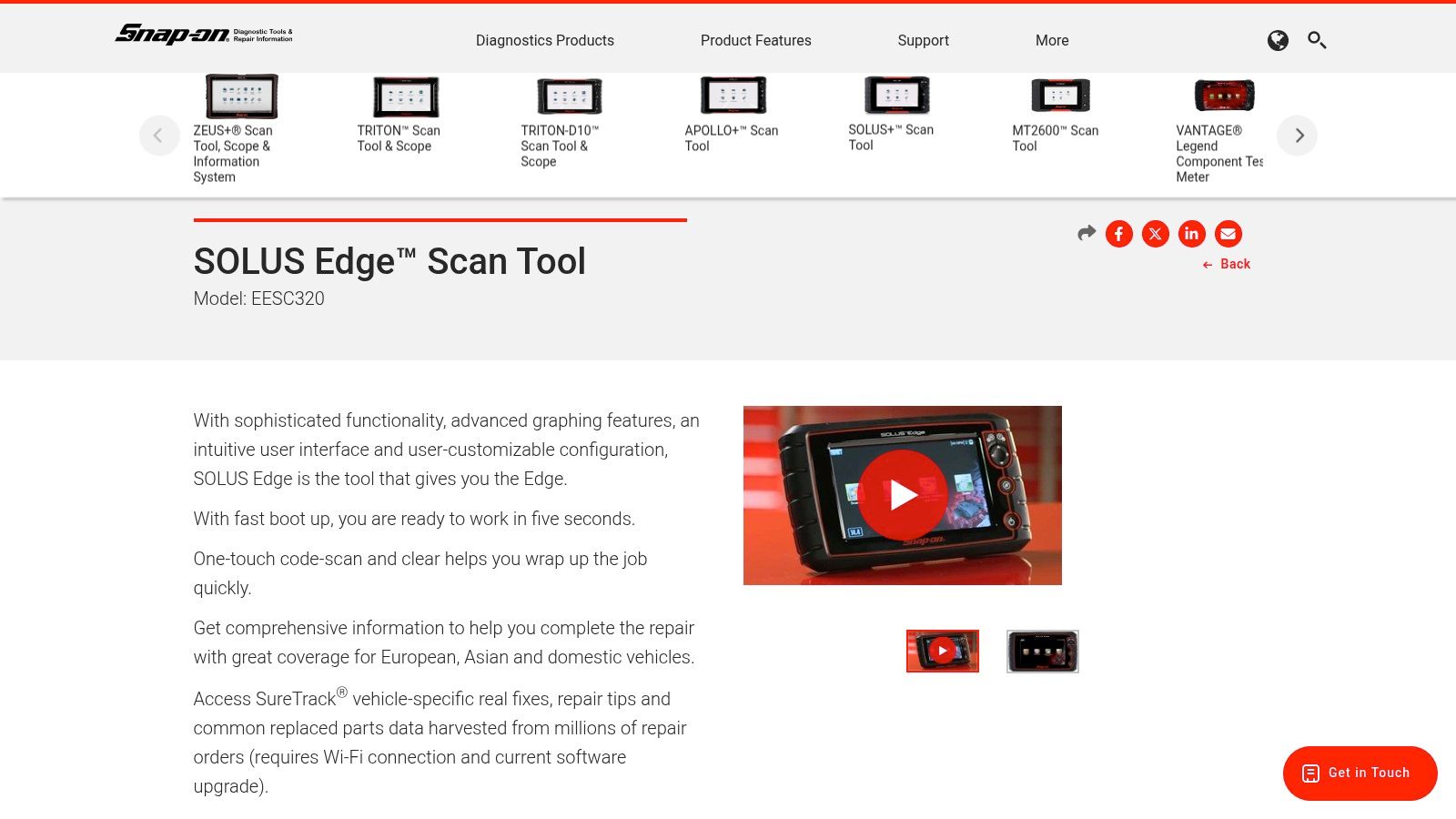
The SOLUS Edge is a professional handheld for people who earn money with diagnostics or care enough about speed, support, and coverage depth to pay for it. Snap-on’s strength has never been “most affordable.” It’s workflow. Turn it on, get into the vehicle fast, graph data quickly, and move through jobs without fighting the tool. The official product page is Snap-on SOLUS Edge.
A lot of DIY users get tempted by Snap-on because the reputation is real. The catch is that reputation comes with professional pricing and the expectation that the user will take advantage of the tool’s depth.
Who should actually buy this
In a working shop, speed matters. So does coverage quality, update cadence, and support when a weird vehicle lands in the bay. That’s where the SOLUS Edge earns respect. It’s designed for repeated daily use, not occasional weekend checks.
For most home users, though, it’s too much tool.
- Right buyer: Independent techs, busy shops, and serious diagnosticians who prioritize efficiency.
- Wrong buyer: Someone who wants to read a check engine light a few times a year.
- Big trade-off: High upfront cost and recurring software expense are part of the package.
There’s also a form-factor lesson here. Even with tablets everywhere, many professionals still like a fast handheld because it’s durable, direct, and easier to manage around cars all day. Fancy interfaces are nice. Reliable speed is better.
Top 10 Auto Code Scanners: Feature Comparison
| Device | Core features ✨ | Quality ★ | Value 💰 | Target audience 👥 | Standout 🏆 |
|---|---|---|---|---|---|
| BlueDriver Pro (Bluetooth dongle + app) | Full OBD‑II, live data, freeze‑frame, smog, Repair Reports ✨ | ★★★★ | 💰 Low–Mid; phone‑dependent | 👥 DIYers & casual users | 🏆 App UX + vehicle‑specific repair reports |
| THINKCAR Thinkdiag 2 (Bluetooth dongle + app) | OE‑level diagnostics, VIN auto‑read, bi‑directional tests, service resets ✨ | ★★★★ | 💰 Mid; app/subscriptions for brand packs | 👥 Pro‑leaning DIYs & mobile techs | 🏆 Deep OE‑style coverage in pocketable form |
| Innova CarScan Pro 5610 (handheld, bidirectional) | All‑system scans, bidirectional controls, many service functions; no subscription ✨ | ★★★★ | 💰 Mid; no paid updates/subscriptions | 👥 Prosumer users in US/Canada | 🏆 Dedicated unit with no recurring fees |
| ANCEL AD310 (budget handheld) | Read/clear codes, basic live data, I/M readiness, plug‑and‑play ✨ | ★★★ | 💰 Low; very affordable | 👥 Beginners & budget DIYers | 🏆 Simple, reliable, very low cost |
| Foxwell NT809 / NT809BT (handheld) | All‑system scanning, live data, service resets, optional BT VCI ✨ | ★★★★ | 💰 Mid; solid price/feature balance | 👥 Users wanting a standalone handheld | 🏆 Good coverage for a dedicated tester |
| Autel MaxiCOM MK808Z (tablet, bi‑directional) | Bi‑directional controls, 40+ service resets, Android tablet UI ✨ | ★★★★ | 💰 Mid; paid updates after free period | 👥 Advanced DIYs & small shops | 🏆 Guided service flows and broad resets |
| LAUNCH X‑431 Throttle V (professional tablet) | All‑system diag, Smartlink VCI, modular accessories (ADAS, IMMO) ✨ | ★★★★★ | 💰 High; subscription typical | 👥 Professional shops & serious DIYs | 🏆 Scalable pro ecosystem & expandability |
| TOPDON ArtiDiag Pro (handheld tablet) | All‑system scans, bi‑directional, 30–35 service resets, Wi‑Fi updates ✨ | ★★★★ | 💰 Strong value; mid price | 👥 DIYers & small shops | 🏆 Frequent Wi‑Fi updates + US support |
| XTOOL D8 / D8BT (tablet, pro‑style) | Active tests, ECU coding (where supported), guided resets, topology views ✨ | ★★★★ | 💰 High value; often multi‑year update promos | 👥 Advanced DIYs & budget shops | 🏆 ECU coding + long update promotions |
| Snap‑on SOLUS Edge (professional handheld) | Extensive coverage, fast graphing, reporting, shop integrations ✨ | ★★★★★ | 💰 High; high upfront + subscriptions | 👥 Professional garages & fleets | 🏆 Premium coverage, speed & shop workflow integration |
Start tracking smart money today
Join thousands of traders using WalletFinder.ai to find profitable wallets and copy their trades.
Start Free Trial →

