AI Crypto Trading Signals: A Trader's Guide for 2026
Unlock the power of AI crypto trading signals. Learn to evaluate signal quality, avoid common pitfalls, and use on-chain data to make smarter DeFi trades.

June 3, 2026
Wallet Finder

June 3, 2026

Your trading alert bot is only as trustworthy as the credential that keeps it online. If you're piping wallet activity, execution signals, or moderation commands into Discord, the weak point usually isn't the parser or the exchange integration. It's the token.
In a crypto desk environment, a Discord bot often becomes operational plumbing. It relays fills, flags suspicious wallet moves, posts health checks, and pushes alerts into channels people monitor. That makes the Discord bot token more than a setup detail. It becomes part of your production security model.
A Discord bot token is the secret credential your bot uses to authenticate to Discord. Discord's developer documentation states that authentication is performed with the Authorization HTTP header using a token, and the same documentation notes that Discord IDs are stored internally as integer snowflakes and serialized as strings, reflecting the scale and design of the API in production systems (Discord developer reference).
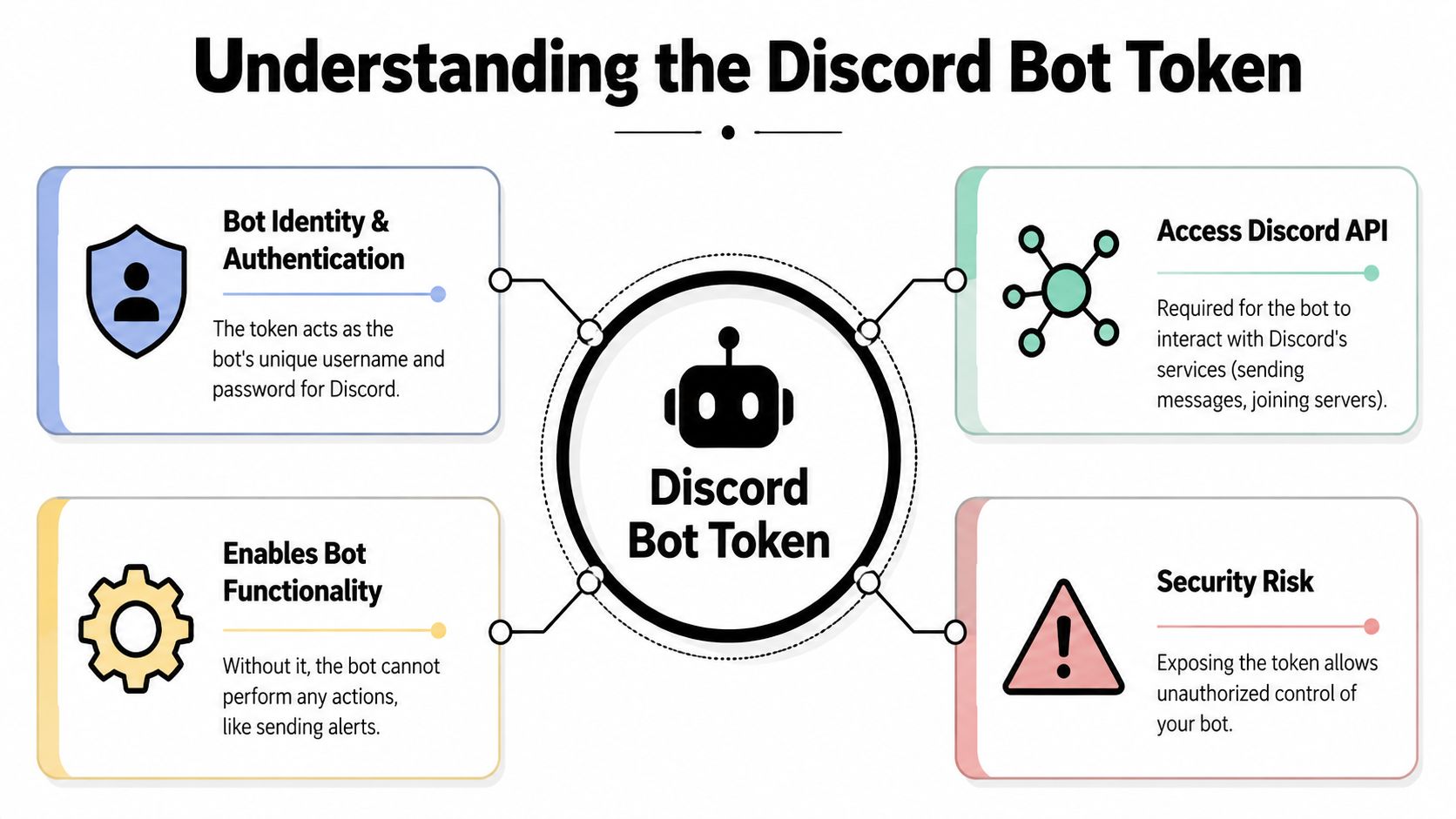
If you're running a bot for trading alerts, the token is the master key. Without it, your process can't connect, send alerts, read events it has permission to access, or respond to slash commands. With it, anyone who gets hold of that secret can operate your bot identity.
A Discord alert bot in a high-stakes setup usually sits in the middle of several systems:
That means a compromised token can do more than send spam. It can disrupt trust. A malicious actor could post false entries, suppress real warnings, or use the bot's access to inspect channels and workflows that weren't meant to be public.
Practical rule: Treat the token like you'd treat an exchange API secret with messaging privileges attached.
At the code level, the token isn't decorative metadata. It is the credential your bot client presents when it connects to Discord's API. In practice, that credential enables the runtime to become your bot identity and act within the permissions and intents you configured.
Three implications matter in production:
Most beginner guides frame the Discord bot token as a setup item. In live trading infrastructure, it's closer to a service credential. You should design around that from day one.
The mechanics of creating a bot are simple. The risky part is what happens in the minute after the token appears.

Inside the Discord Developer Portal, the usual path is:
That last step matters more than many people expect. In practice, your bot only becomes useful after you authorize it into the target server with the right scopes and permissions.
Discord bot token handling is intentionally unforgiving. SFailabs notes that the token is shown only once after a reset, then hidden permanently. If you lose it, you must reset it again, which invalidates the previous token and breaks any running bot instances (SFailabs guide to getting a Discord bot token).
That has direct operational impact. If your alert bot is already deployed and you reset the token casually, your production process keeps trying to connect with a dead credential until you update every runtime that depends on it.
The first copy action is part of the security workflow, not a convenience step.
When the token appears, don't paste it into a scratchpad, chat, or project README. Put it straight into the place where your bot will load secrets.
A clean sequence looks like this:
A lot of avoidable incidents start with “I just copied it somewhere for a minute.”
For a new bot, I prefer creating the app, generating the token, storing it in the final secret destination immediately, and then testing a minimal login before adding any business logic. That catches naming mistakes and environment issues early.
If you need a quick visual walkthrough, this embed can help orient you in the portal UI before you wire the token into your own deployment process.
If this bot is meant to carry wallet alerts or incident notifications, build the secure path first and the feature set second.
The safest Discord bot isn't the one with the most access. It's the one with just enough access to do its job and nothing more.
For trading alerts, teams often over-permission bots because it gets them running faster. They grant Administrator, enable every intent, and move on. That works until the bot is abused or the code path expands beyond what anyone reviewed.
A market alert bot usually doesn't need broad authority. In many cases it only needs to post to specific channels, read limited context, and handle application commands.
Use a permission set tied to actual tasks:
Skip Administrator unless the bot has a very unusual role and you've documented why.
If a bot can do everything in your server, a leaked credential becomes a server-wide problem.
A crypto alert bot can become an attack surface in quiet ways. If the bot can mention everyone, delete messages, manage channels, or read more than it needs, the blast radius grows.
A better review question is: what damage could someone do if they controlled this bot for an hour?
That mindset changes permission design fast. A broadcast-only bot should look very different from a bot that accepts analyst commands. A notifier doesn't need moderation authority. A webhook-style messenger doesn't need broad read access.
Intents determine what event streams your bot receives. People tend to enable them all while debugging, then forget to scale them back.
Use intents according to function:
For many alert bots, the cleanest model is one-way output. The bot receives data from your trading or monitoring stack and posts to Discord. That setup reduces complexity and shrinks the amount of Discord-side event data your bot handles.
Before inviting the bot to a production server, verify these points:
Least privilege isn't abstract security advice. It's how you stop a chat automation secret from becoming a broader infrastructure incident.
The first rule is simple. Never hardcode a Discord bot token into your application code, never commit it to version control, and never ship it inside config files that move with the repository.
GitGuardian treats Discord bot tokens as high-impact secrets and notes that a leaked token can enable abuse of the bot and expose any sensitive data the bot can access. Their remediation guidance is immediate revocation or rotation, replacement in all deployments, and post-incident log review for unusual activity (GitGuardian remediation guidance for Discord bot tokens).
Hardcoding feels fast in the first hour and expensive in every hour after that. It spreads secrets into code review tools, local clones, CI logs, pasted snippets, and archived commits.
Safer approaches separate code from secret material. For a single developer on a laptop, a local environment file can be acceptable if it is excluded from version control. For a team or production system, system environment variables or a proper secrets manager are stronger choices.
| Method | Best For | Security Level | Pros | Cons |
|---|---|---|---|---|
.env file | Local development and quick prototypes | Moderate when handled carefully | Easy to use with common libraries, simple developer workflow | Easy to mishandle, often copied around, risky if committed |
| System environment variables | Single-host production services | Stronger than embedding secrets in files | Keeps secret out of codebase, works well with process managers and CI | Harder to audit across environments if managed casually |
| Secrets manager | Team environments and critical bots | Highest among common patterns | Centralized control, controlled access, cleaner rotation workflows | More setup and operational overhead |
If you're building locally, use a separate .env file only if you also protect it properly. That means it belongs in .gitignore, it doesn't get shared in chat, and it doesn't become the default answer for production.
This is the same separation principle that shows up in broader auth systems. If you're comparing approaches to application identity and secret handling, this walkthrough on AWS Cognito authentication patterns is a useful companion for thinking about where authentication logic and secret management should live.
For cloud VMs and hosted runtimes, the clean pattern is straightforward:
Operator note: Secret storage isn't only about preventing theft. It's also about knowing exactly where to replace the secret when rotation becomes urgent.
Rotation is where a lot of teams discover whether they manage secrets or just stash them. A reliable process includes:
For critical alert systems, schedule rotation when someone can verify message flow end to end. Don't rotate right before you step away from the keyboard.
Once the token is stored properly, the next job is loading it into the bot process without leaking it in code, images, or startup commands.

For Python with discord.py:
import osimport discordfrom discord.ext import commandsTOKEN = os.environ["DISCORD_TOKEN"]intents = discord.Intents.default()bot = commands.Bot(command_prefix="!", intents=intents)bot.run(TOKEN)For Node.js with discord.js:
const { Client, GatewayIntentBits } = require('discord.js');const token = process.env.DISCORD_TOKEN;const client = new Client({intents: [GatewayIntentBits.Guilds]});client.login(token);The important part isn't the library choice. It's that the token comes from process environment at runtime.
For local work, developers usually load DISCORD_TOKEN from a protected environment file or their shell environment. Keep that setup isolated from production and use a separate bot or test server whenever possible.
Good local practice includes:
On a cloud instance, inject the token into the service environment and let your process manager start the bot. This keeps the credential out of the repository and out of startup scripts that people tend to copy.
What matters most on a VM:
If you're building a more complete Discord automation stack around trading workflows, this guide to a crypto Discord bot architecture is a practical next read.
Docker introduces a common mistake. Teams put the token in the Dockerfile, build args, or copied config files. That turns the image into a secret container, which is the opposite of what you want.
A safer Docker pattern is:
DISCORD_TOKEN only when the container startsA container image should be portable without being privileged. If someone can pull the image and recover the token, the build process is already wrong.
Before the bot handles real alerts, verify these controls:
| Check | Why it matters |
|---|---|
| Token loads only from environment or secret store | Prevents secret drift into code |
| Logs never print token values | Reduces accidental disclosure |
| Restart path is documented | Makes rotation and recovery faster |
| Dev and prod credentials are separate | Limits blast radius from test mistakes |
A deployment is secure when the token never appears where engineers casually browse. Source code, screenshots, build logs, and container history all count as casual exposure paths.
Token leaks get attention because they're obvious. The harder problems are the second-order mistakes that leave a trading bot exposed even when the token itself isn't pasted into GitHub.
The discord.py security guide warns against passing tokens on the command line in multi-user Linux environments because they can leak through process listings or shell history, and it recommends .env files only as a fallback with .gitignore protection (discord.py security guidance).
A lot of operators still launch bots with a command that includes the token directly. That's dangerous on shared systems because secrets can appear in command history or process inspection output.
If your bot runs on a box used by multiple people, assume anything passed on the command line may be seen later. The safer path is runtime environment injection, short-lived operator access, and minimal shell handling of the secret.
The same security guidance also warns about untrusted string formatting. In practical terms, if your bot uses dangerous formatting patterns on attacker-controlled input, someone may be able to expose internals, including token-related state.
For trading bots, this matters because command handlers often evolve quickly. A simple alert bot becomes an admin bot, then a research bot, then a utility bot with shortcuts and eval-like behavior no one revisits.
Watch for these code-level risks:
No team prevents every mistake. Mature teams contain them quickly.
That means your bot should produce enough logs and operational signals to answer basic questions fast: Did the bot reconnect unexpectedly? Did it start posting outside normal channels? Did auth behavior change after a deploy? Can you rotate and restore service immediately?
If your Discord alerts feed execution decisions, treat compromise response as part of the product. The same mindset applies to broader trader notification design, especially when you're comparing Discord with mobile and browser delivery in systems like push notification alerts for trading workflows.
A Discord bot token is one secret. Your real security posture comes from how you store it, how little authority you attach to it, and how quickly your team can replace it when something goes wrong.
If you're tracking smart money and need alerts that arrive fast enough to matter, Wallet Finder.ai helps you monitor profitable wallets, trades, and token activity across major chains so you can turn on-chain movement into actionable signals without building the full detection stack from scratch.